Preview
Back to home
The interface

Intro SQLi Shield, in pictures

Every screen of the plugin, as it looks today. Click any picture to see it full size.

See everything at a glance
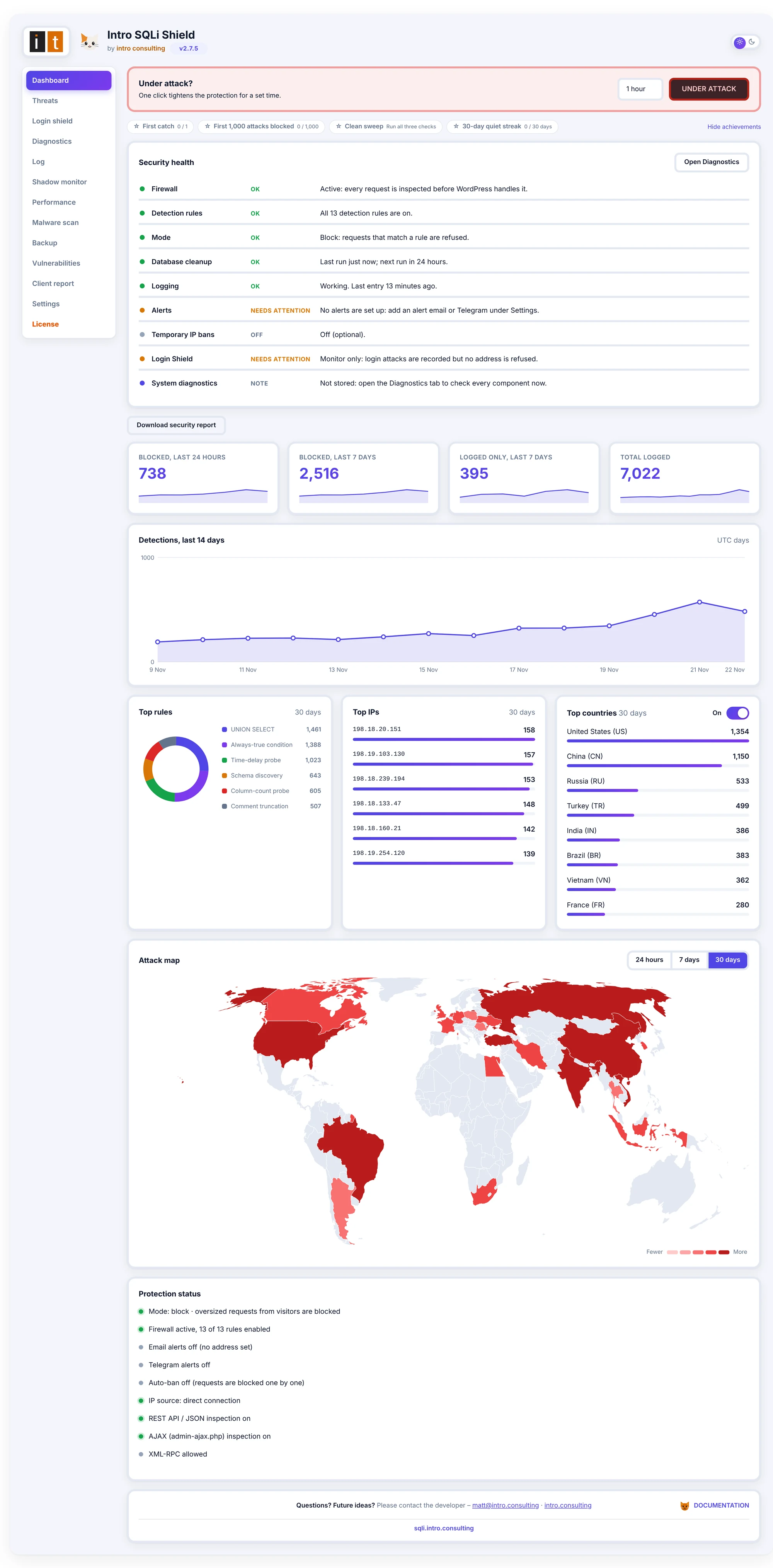
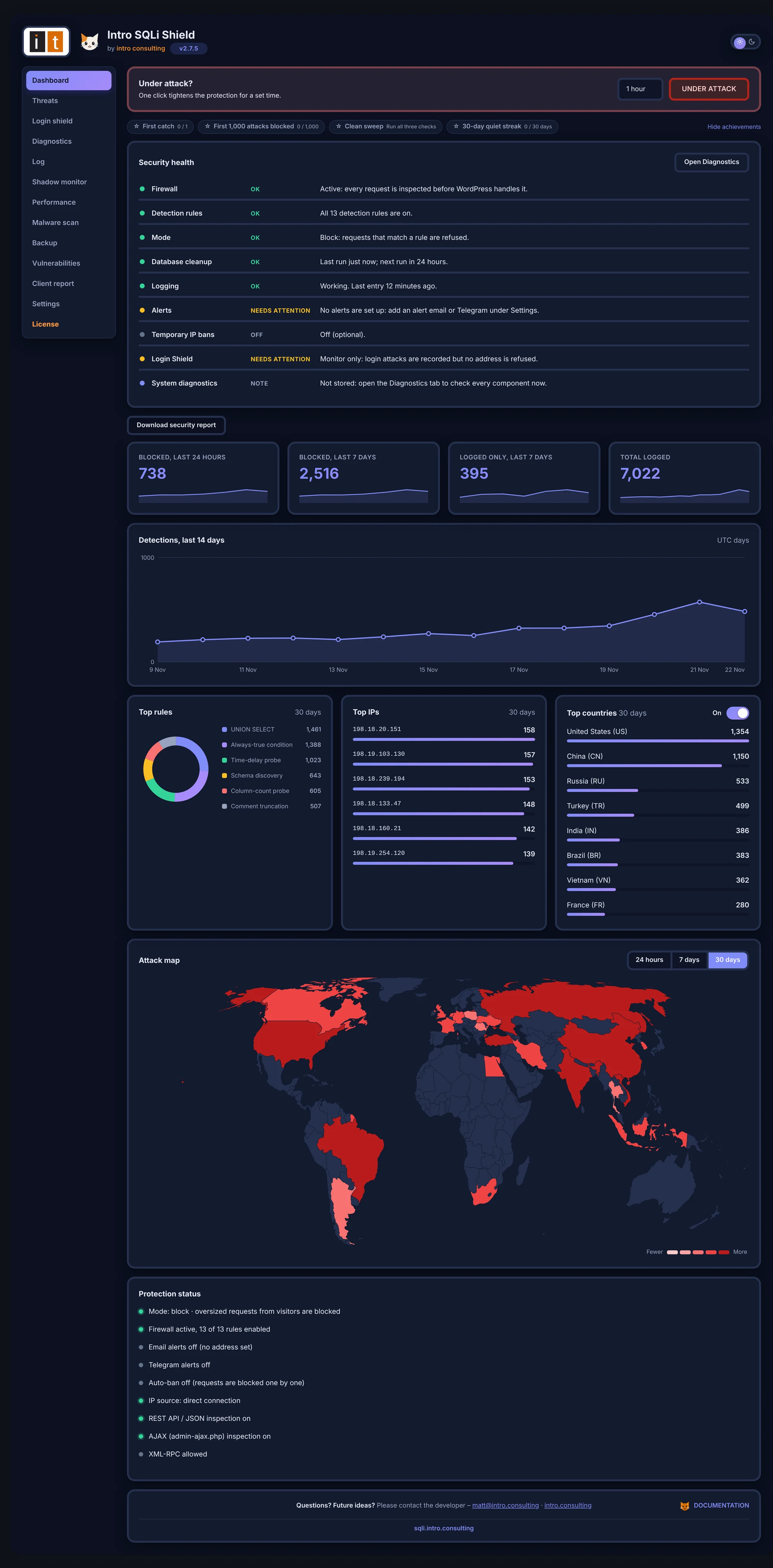
Dashboard: Everything in one calm dashboard: what was blocked, from where, and what needs a look.Dashboard: Everything in one calm dashboard: what was blocked, from where, and what needs a look.

Dashboard

Everything in one calm dashboard: what was blocked, from where, and what needs a look.
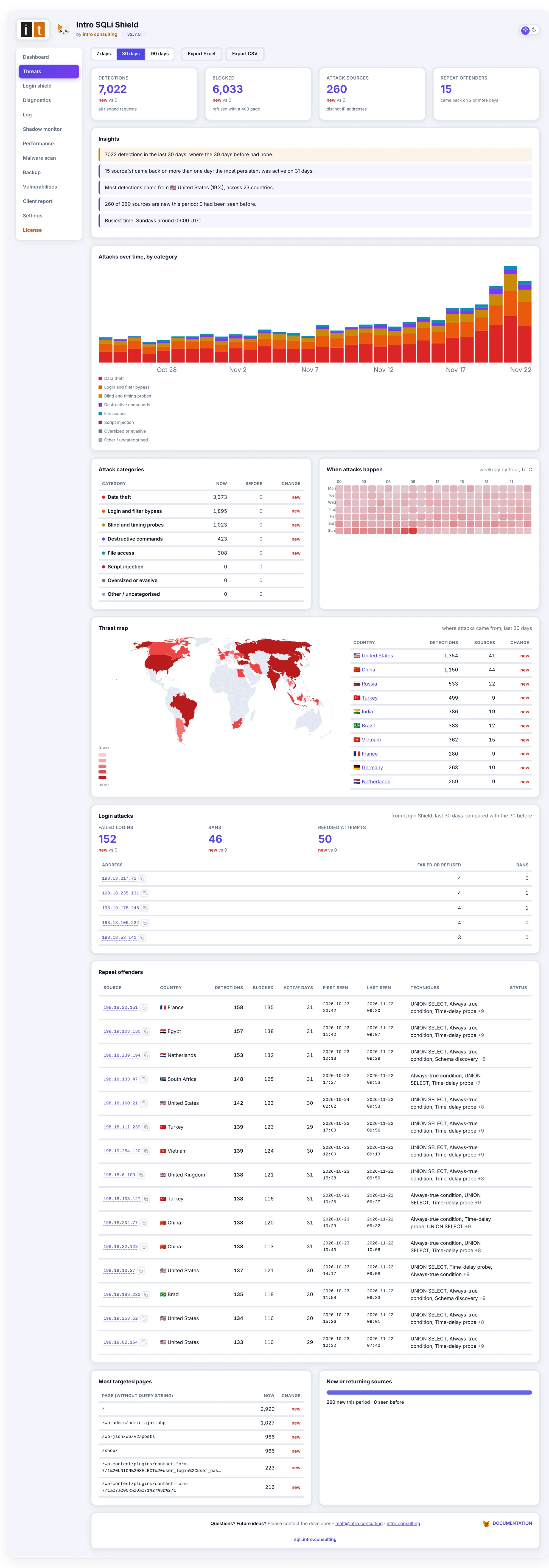
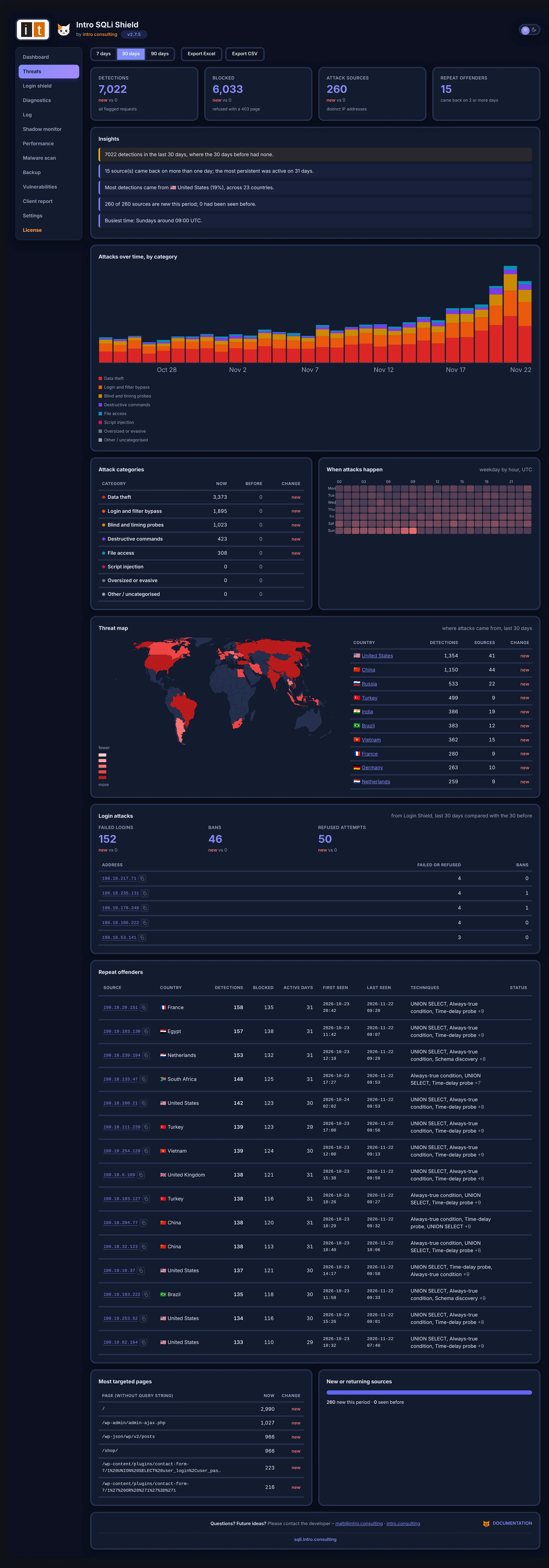
Threats: Which attack patterns were seen, which addresses they came from, and how often.Threats: Which attack patterns were seen, which addresses they came from, and how often.
Threats

Which attack patterns were seen, which addresses they came from, and how often.
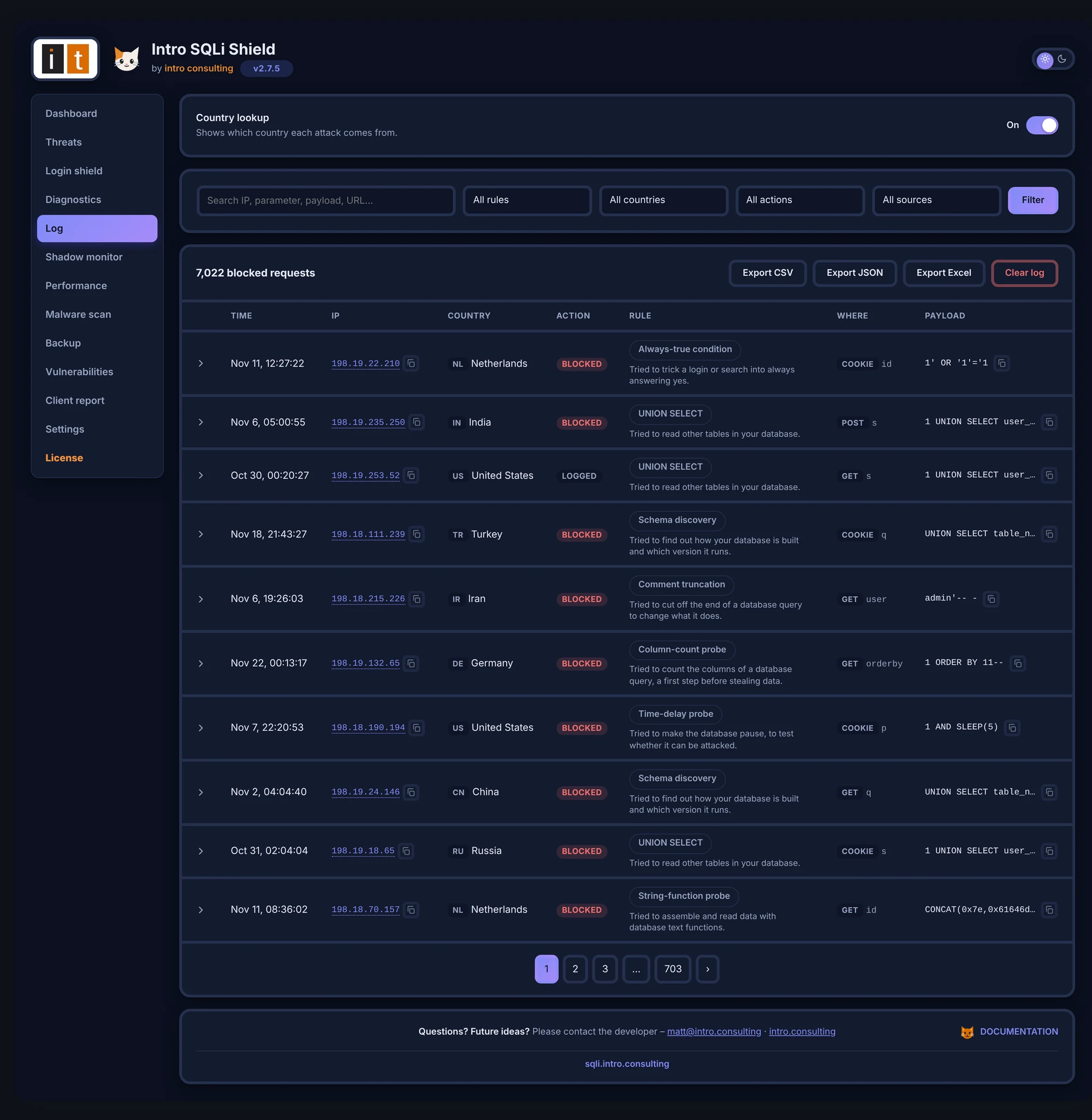
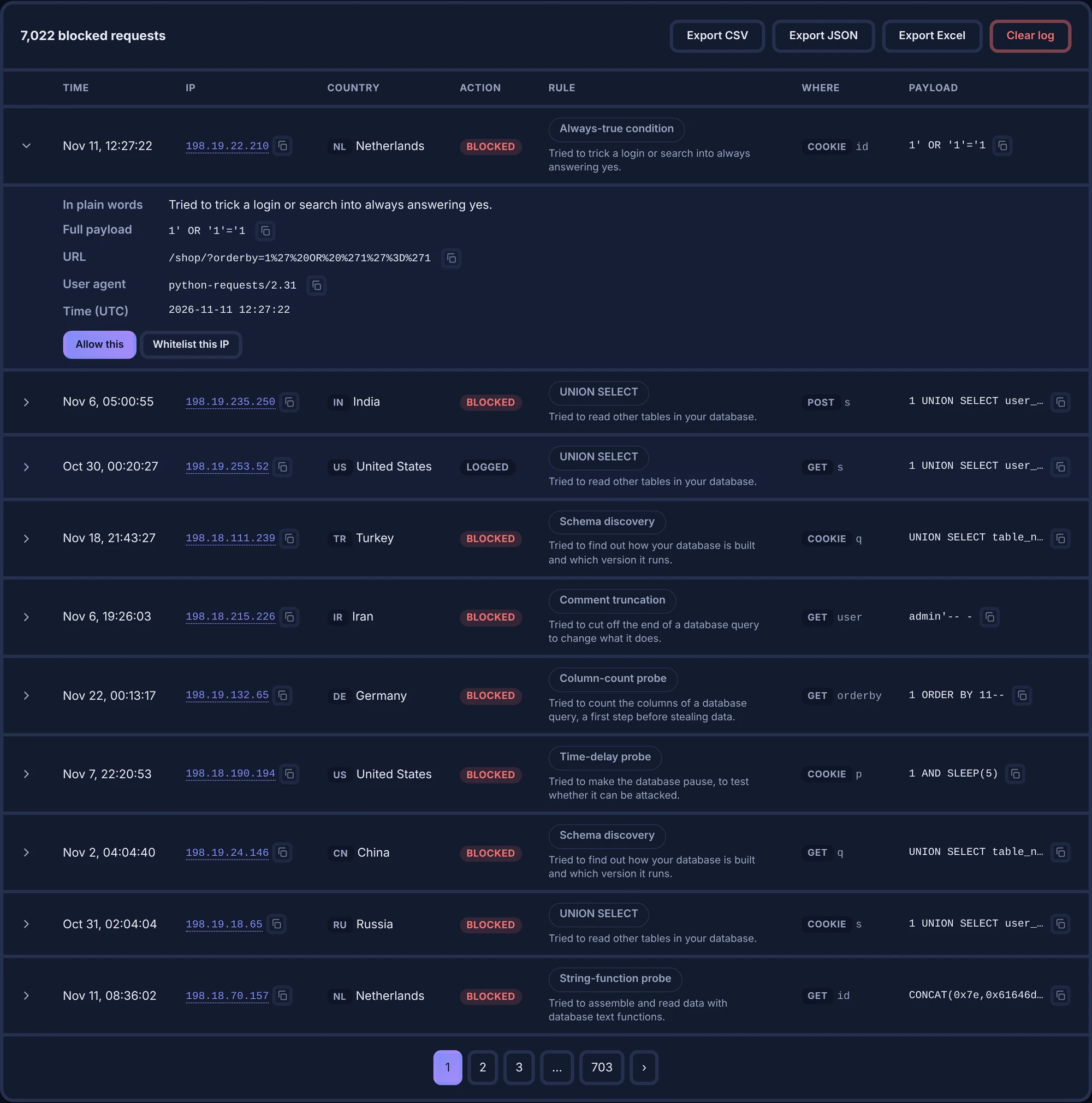
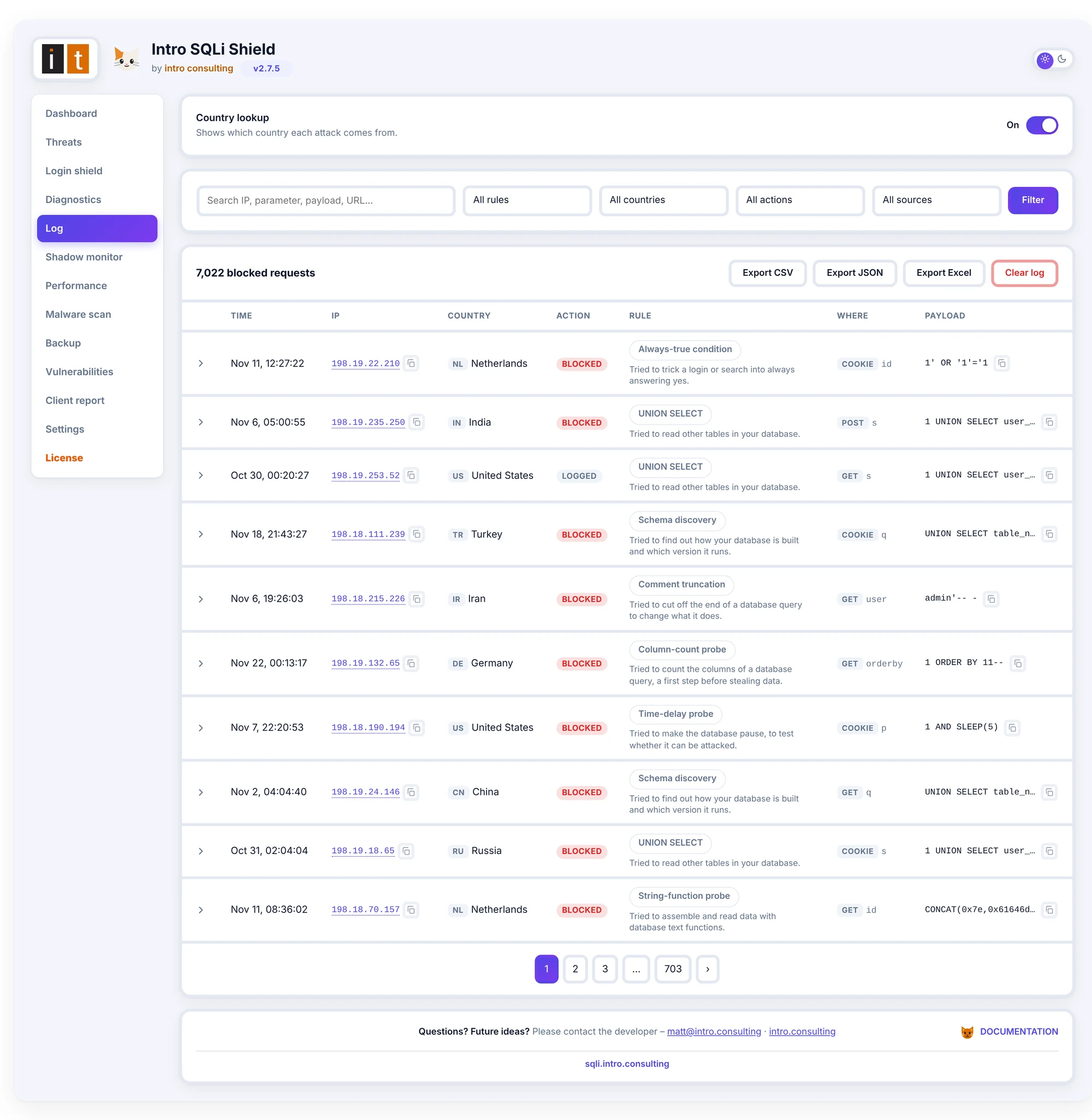
Log: Every blocked or logged request, one click away from its full detail.Log: Every blocked or logged request, one click away from its full detail.
Log

Every blocked or logged request, one click away from its full detail.
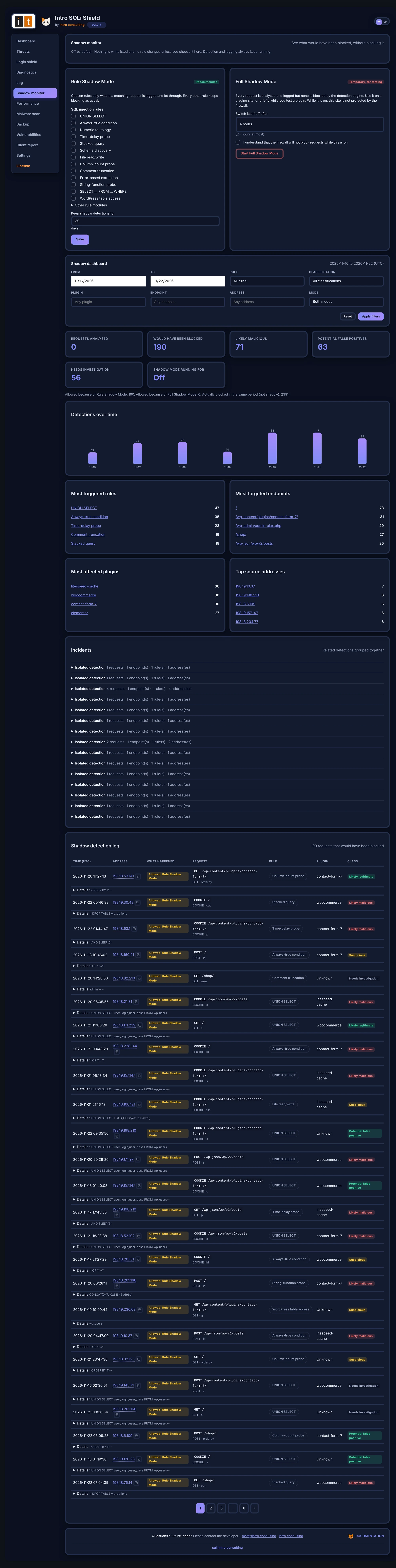
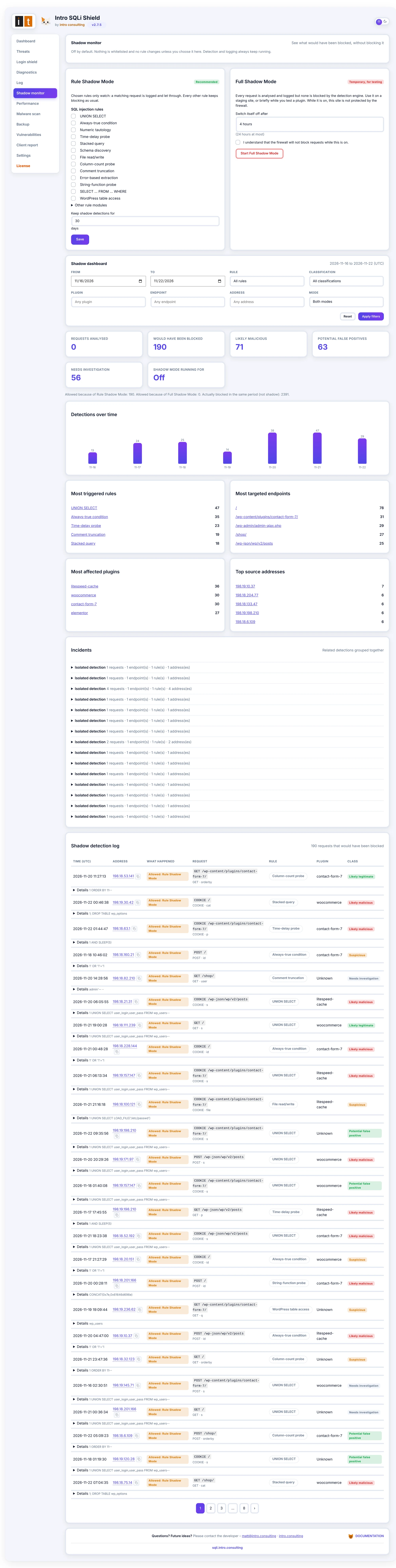
Shadow monitor: Watch new rules on real traffic before they are allowed to block anything.Shadow monitor: Watch new rules on real traffic before they are allowed to block anything.
Shadow monitor

Watch new rules on real traffic before they are allowed to block anything.
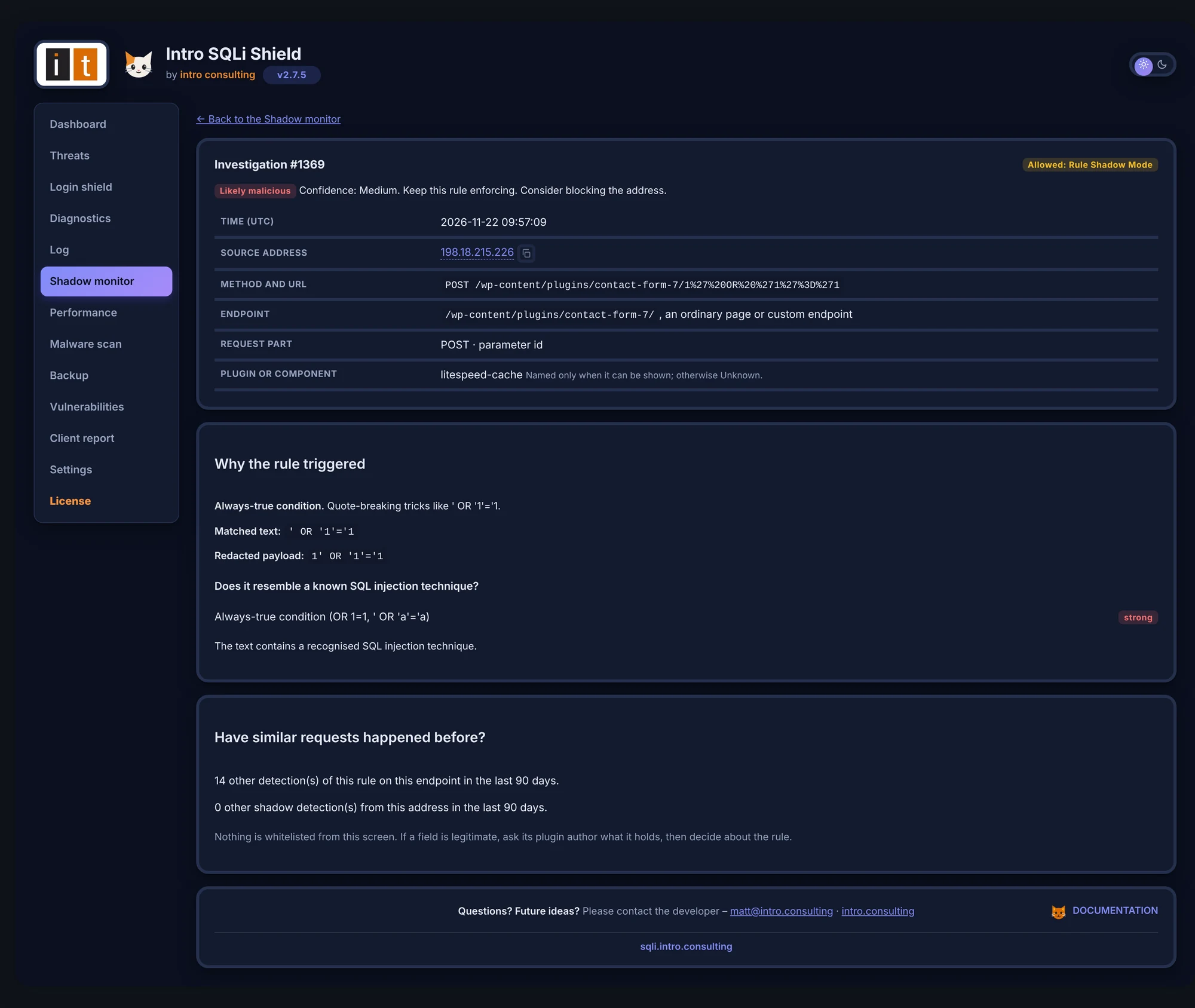
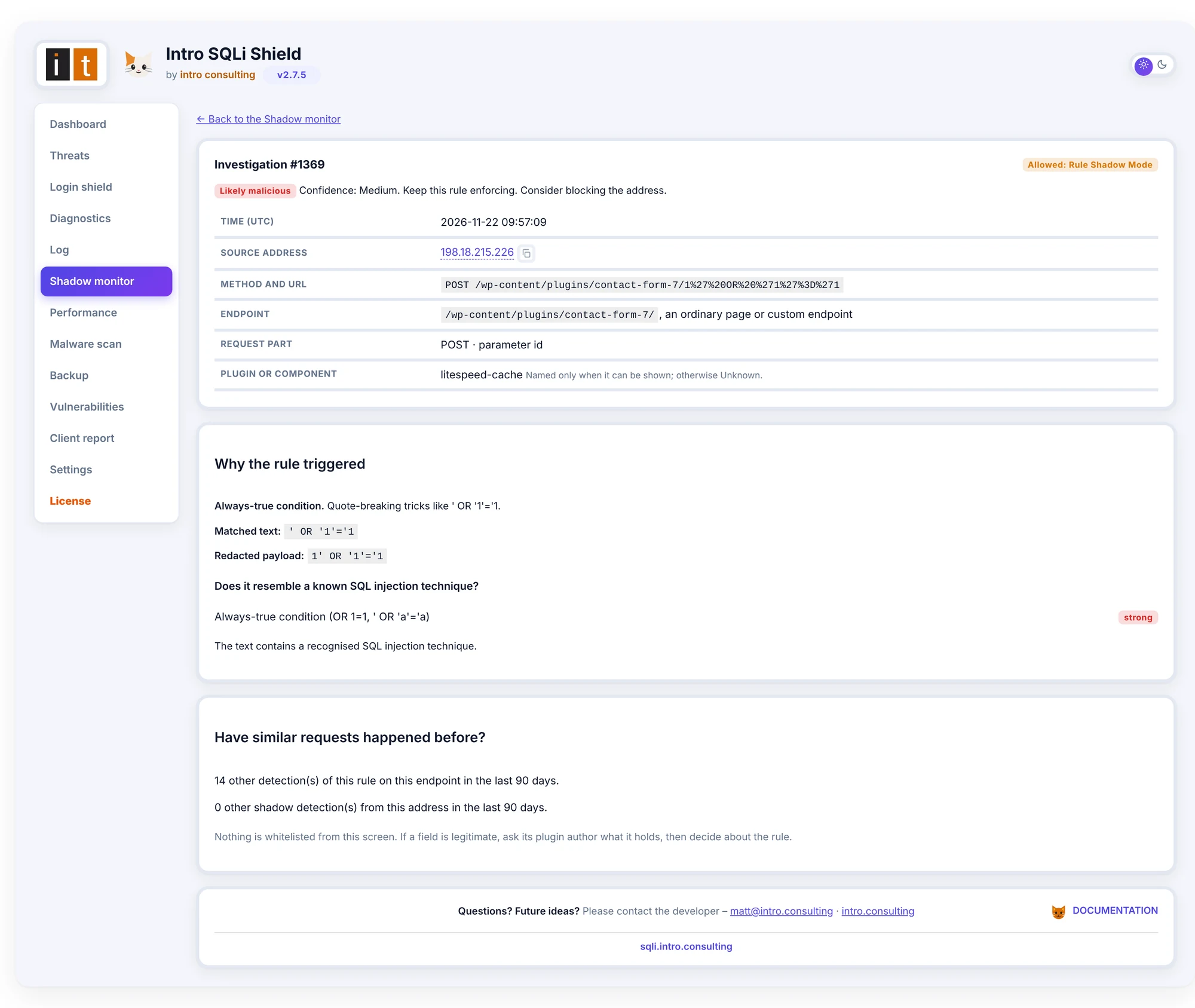
Shadow investigation: Step through exactly why a request was flagged.Shadow investigation: Step through exactly why a request was flagged.
Shadow investigation

Step through exactly why a request was flagged.
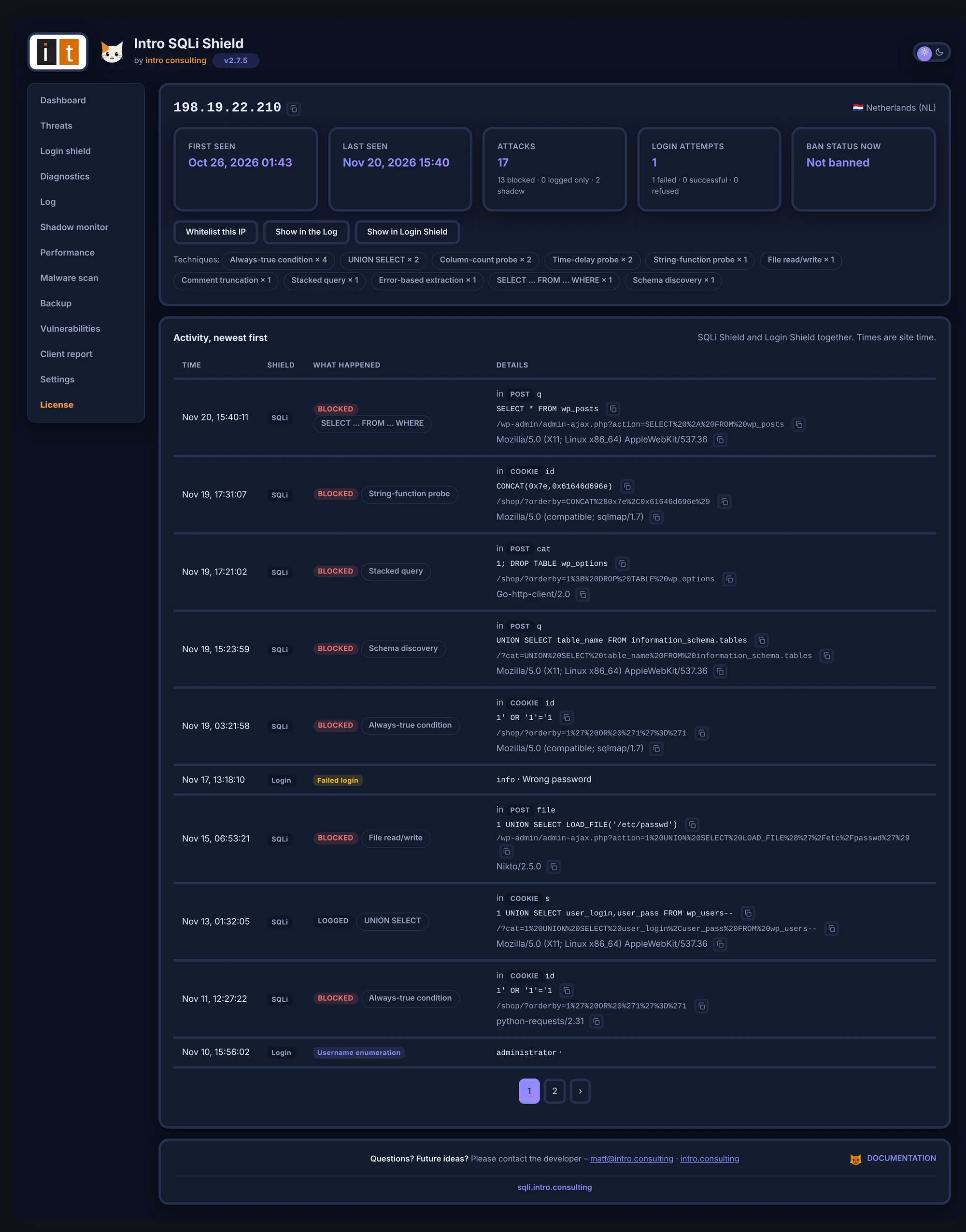
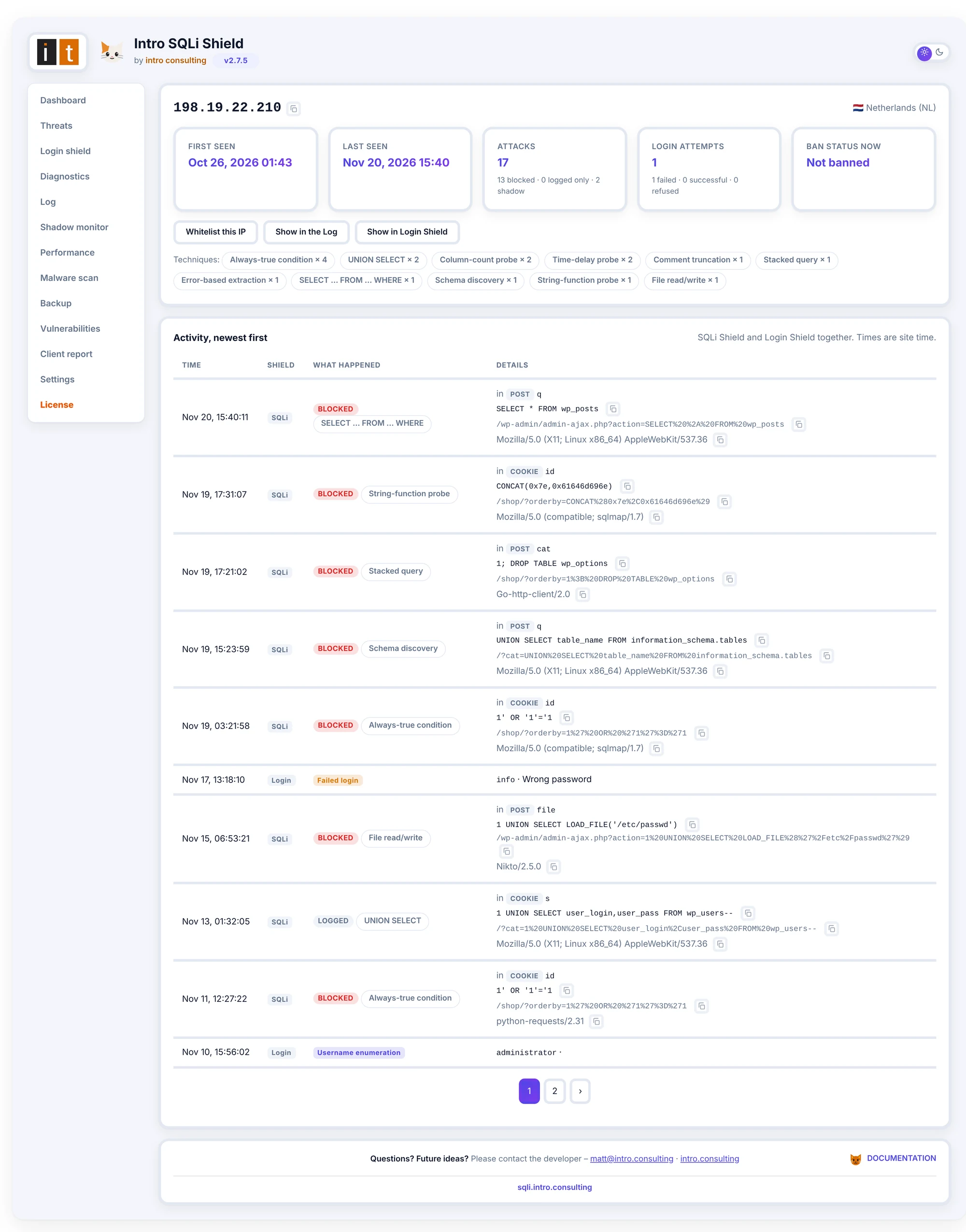
Address history: The full story of one address: when it came, what it tried.Address history: The full story of one address: when it came, what it tried.

Address history

The full story of one address: when it came, what it tried.

Protect the login and the site
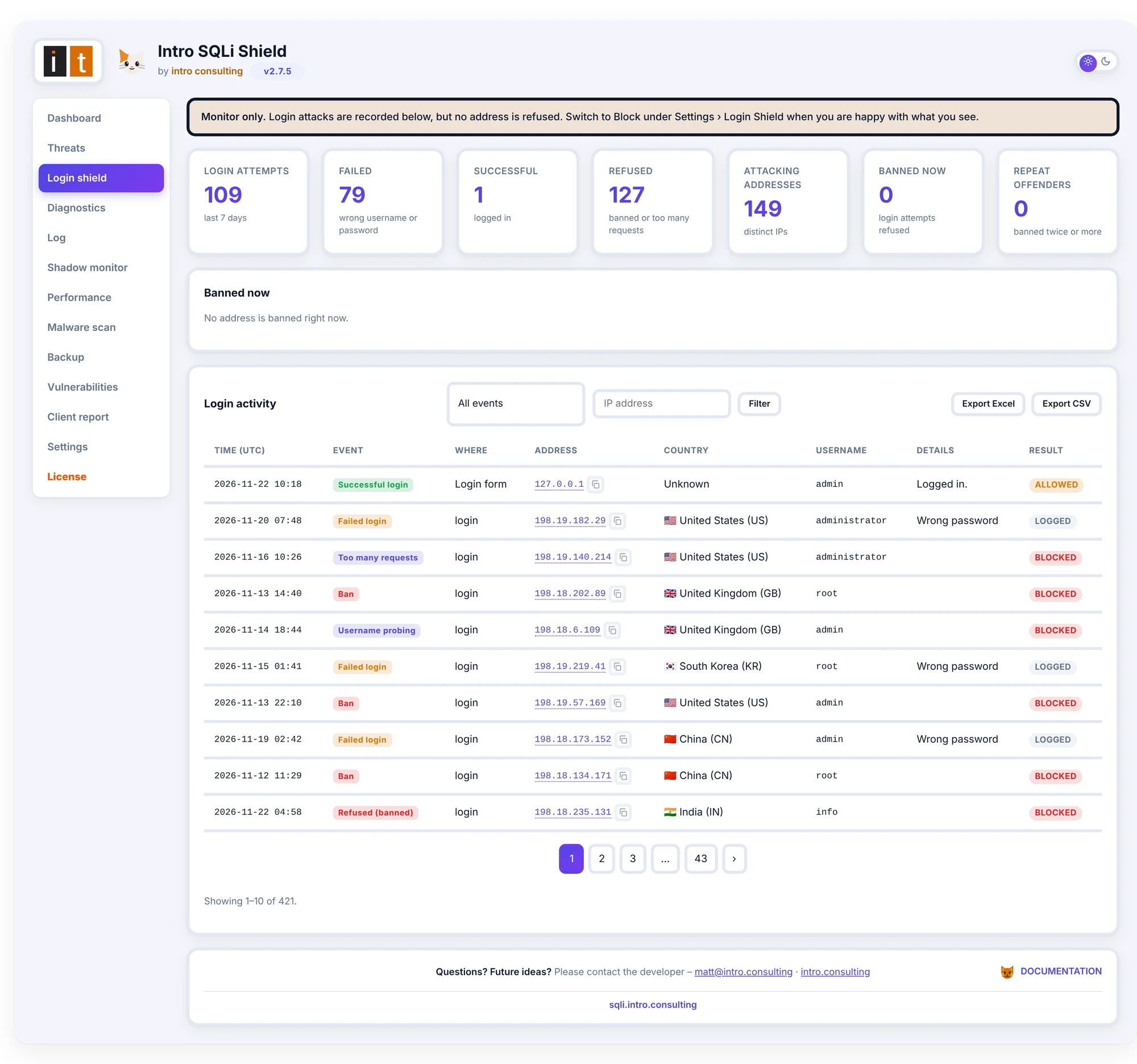
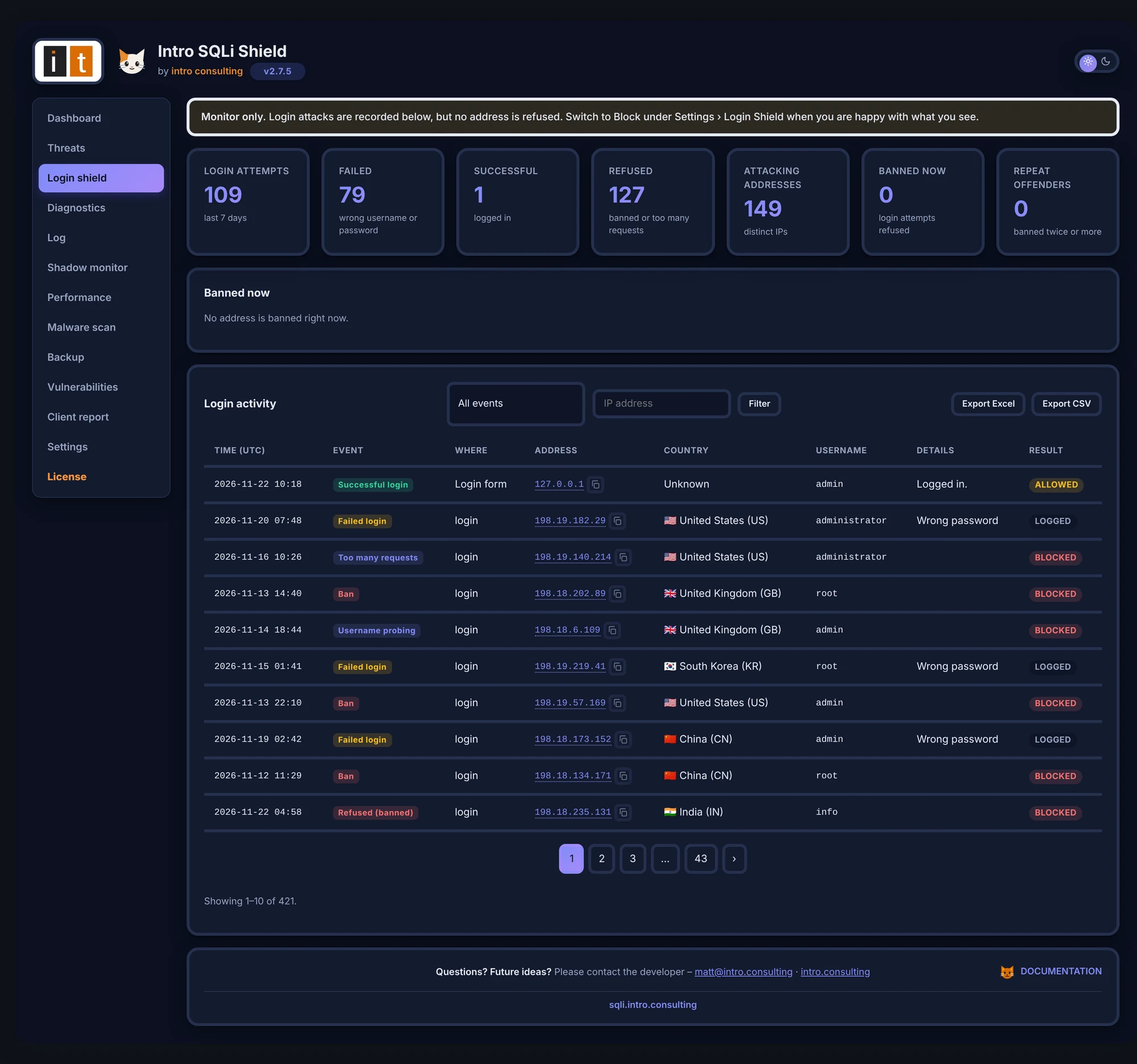
Login shield: Slows down password guessing and probing of the login page.Login shield: Slows down password guessing and probing of the login page.

Login shield

Slows down password guessing and probing of the login page.

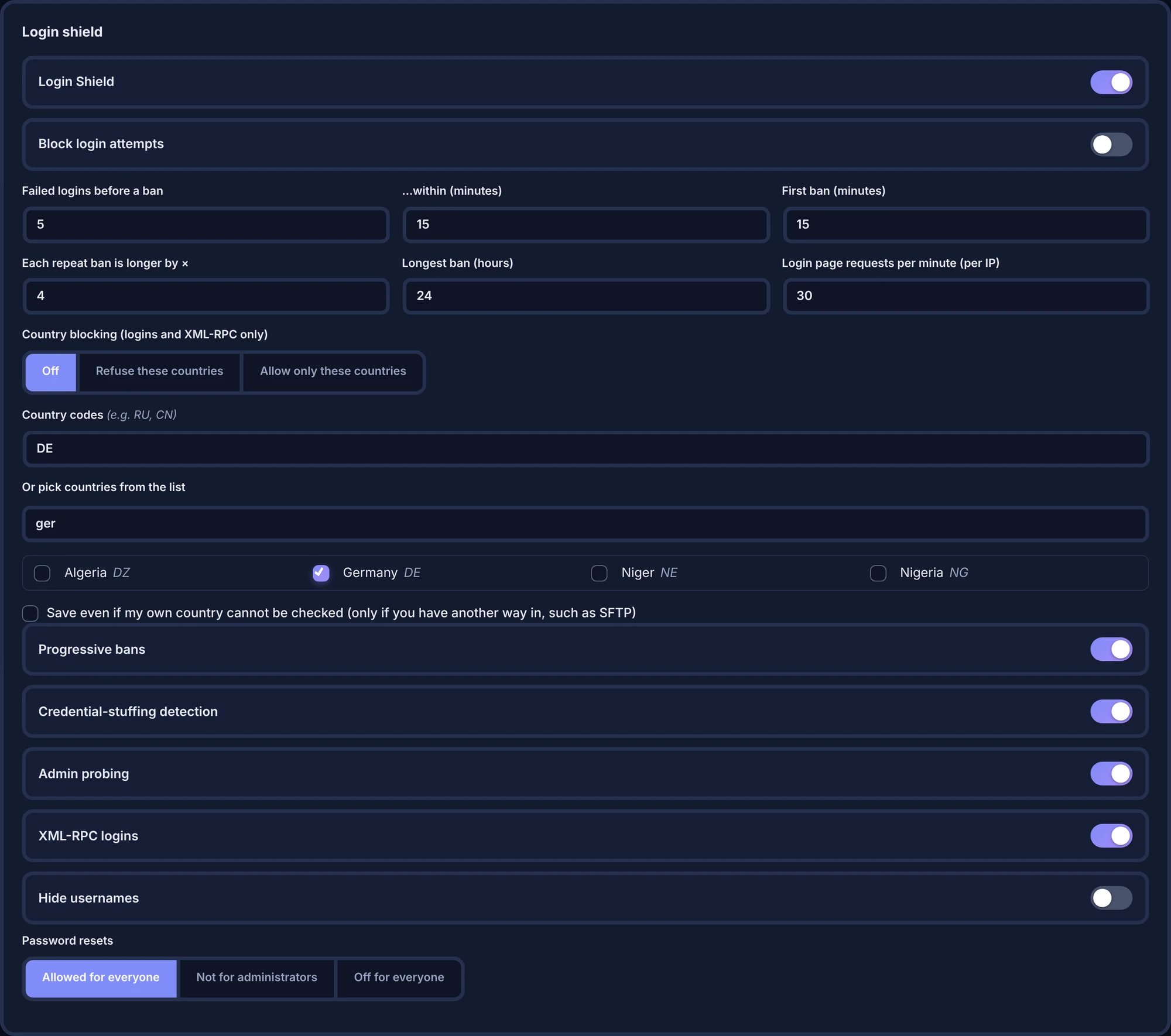
Settings: Switches save themselves. The deep technical detail lives in the manual, not on the screen.Settings: Switches save themselves. The deep technical detail lives in the manual, not on the screen.

Settings

Switches save themselves. The deep technical detail lives in the manual, not on the screen.
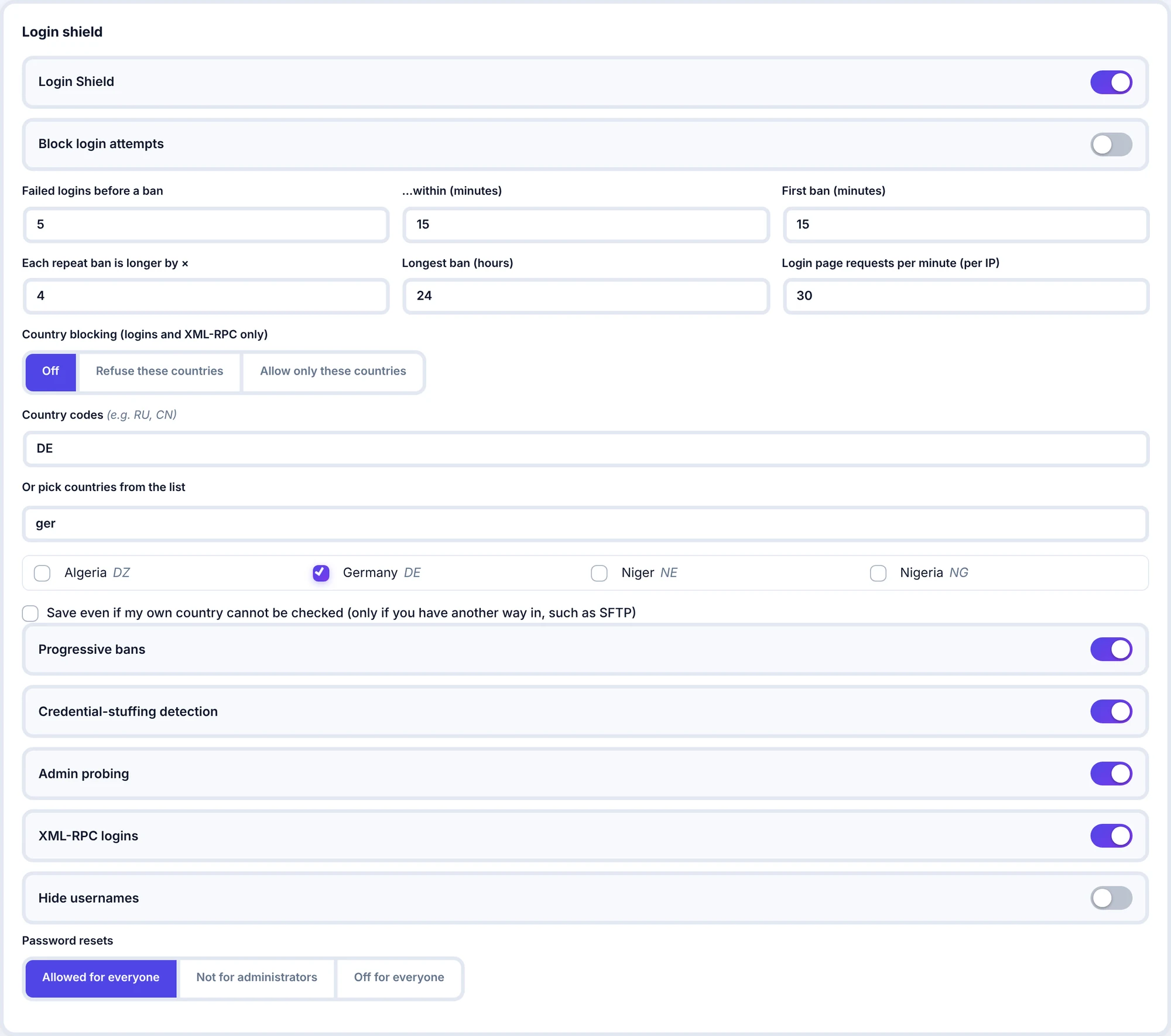
Country picker: Search by name, tick, done.Country picker: Search by name, tick, done.

Country picker

Search by name, tick, done.
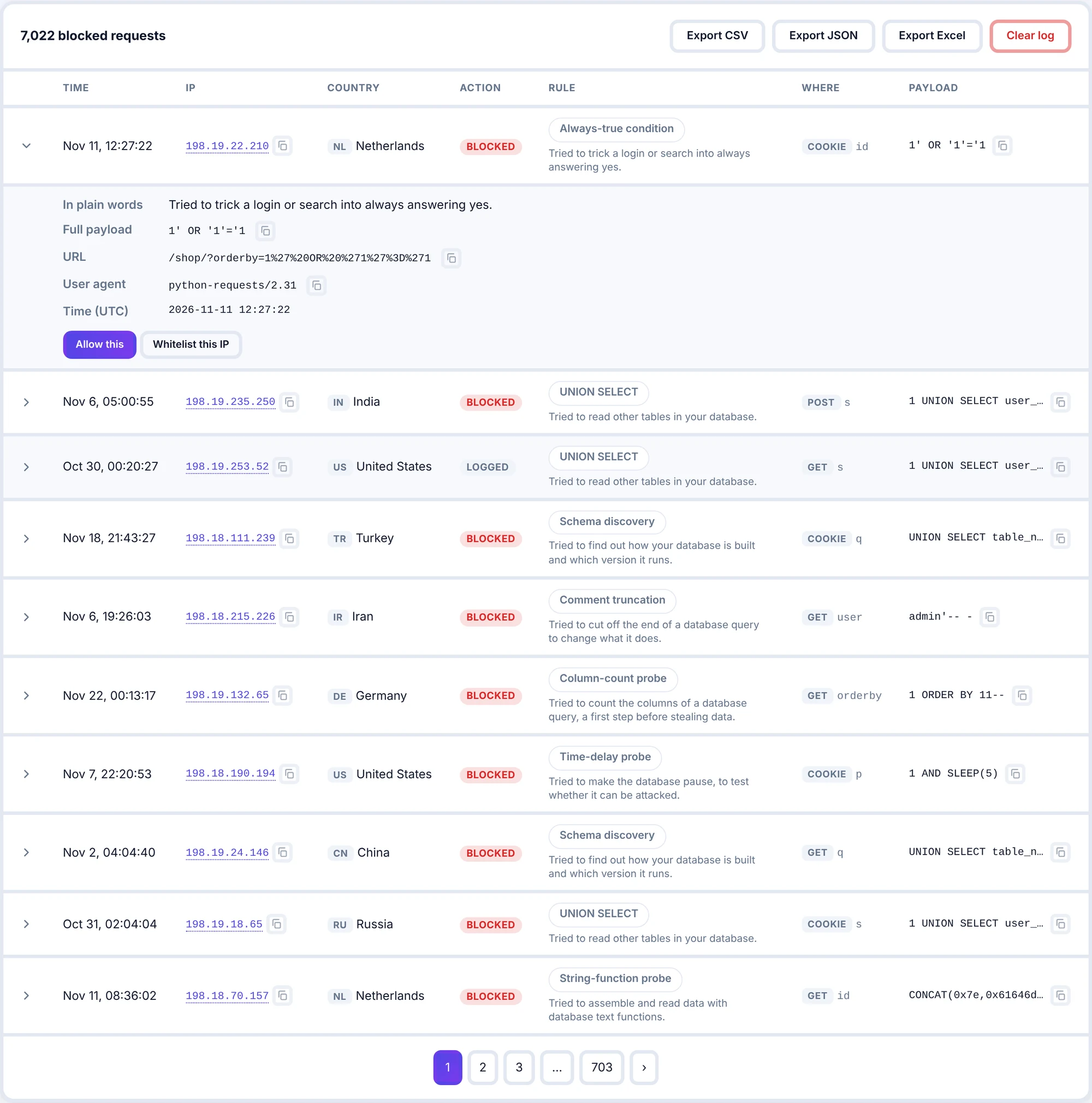
Allow this request: A blocked request that was legitimate? Allow exactly that one, nothing broader.Allow this request: A blocked request that was legitimate? Allow exactly that one, nothing broader.

Allow this request

A blocked request that was legitimate? Allow exactly that one, nothing broader.

Allowed requests: The short list of what you have allowed, easy to take back.Allowed requests: The short list of what you have allowed, easy to take back.

Allowed requests

The short list of what you have allowed, easy to take back.

Check, repair and recover
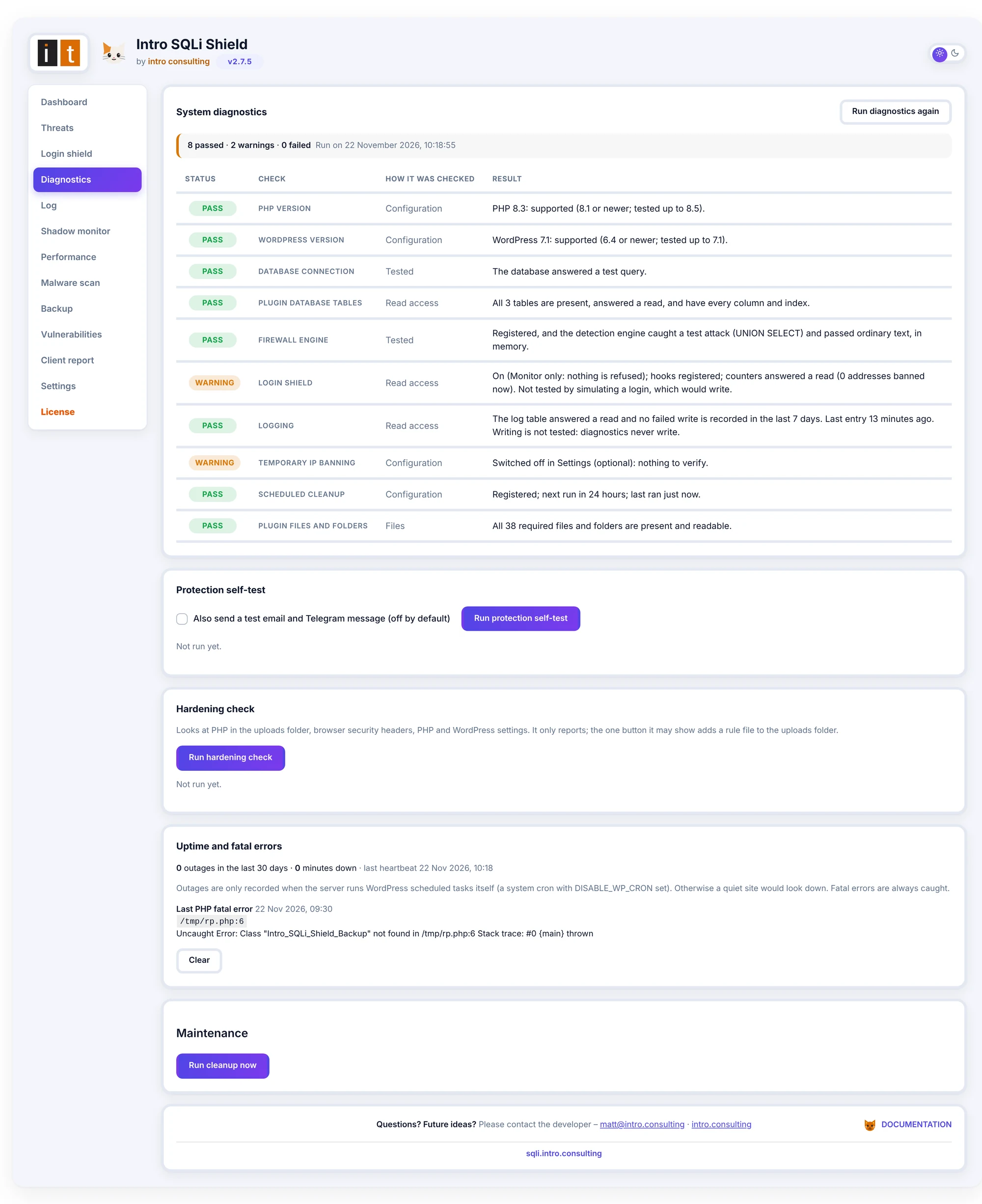
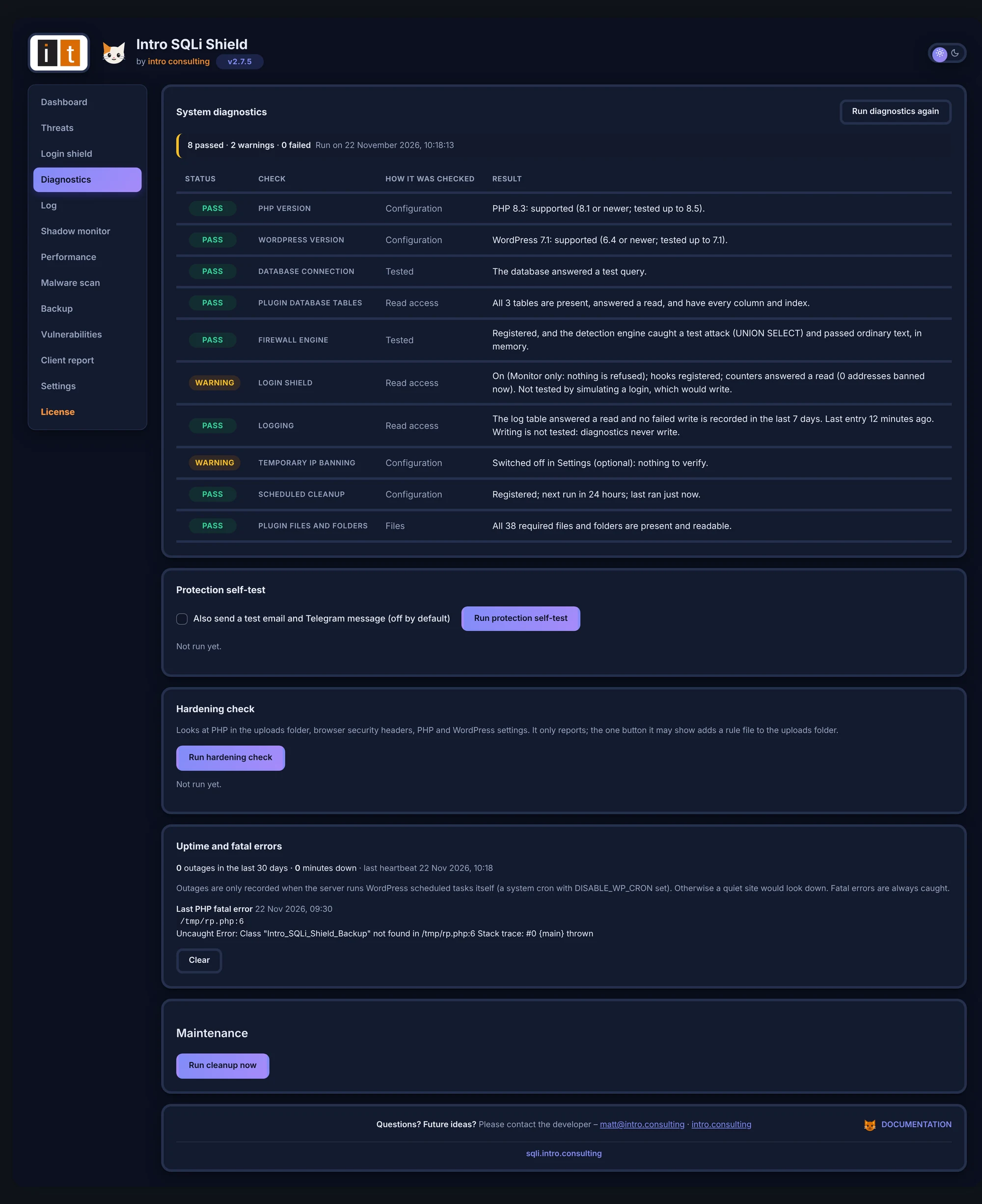
Diagnostics: A plain-language health check, Hardening check and the uptime and fatal-error monitor.Diagnostics: A plain-language health check, Hardening check and the uptime and fatal-error monitor.

Diagnostics

A plain-language health check, Hardening check and the uptime and fatal-error monitor.
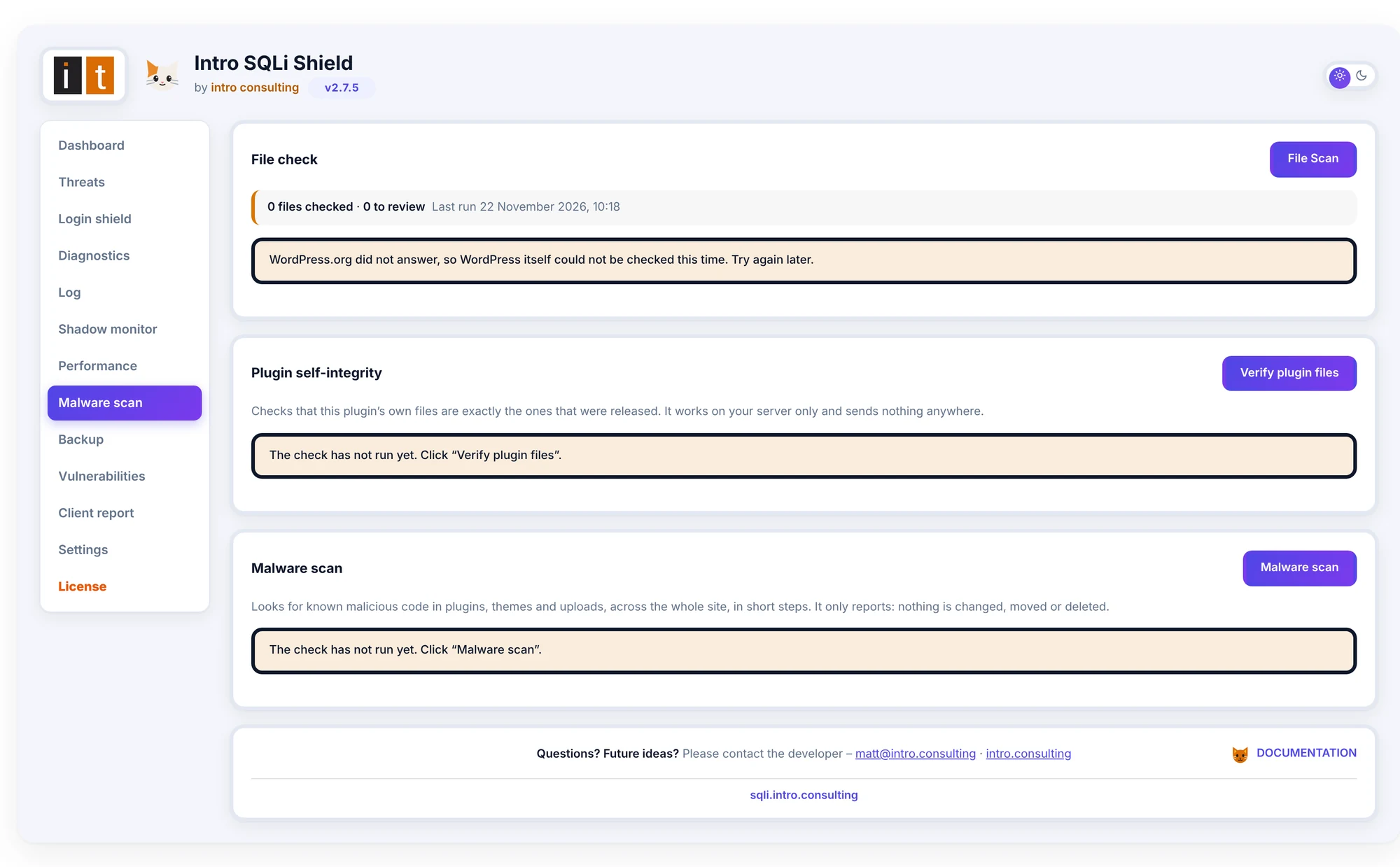
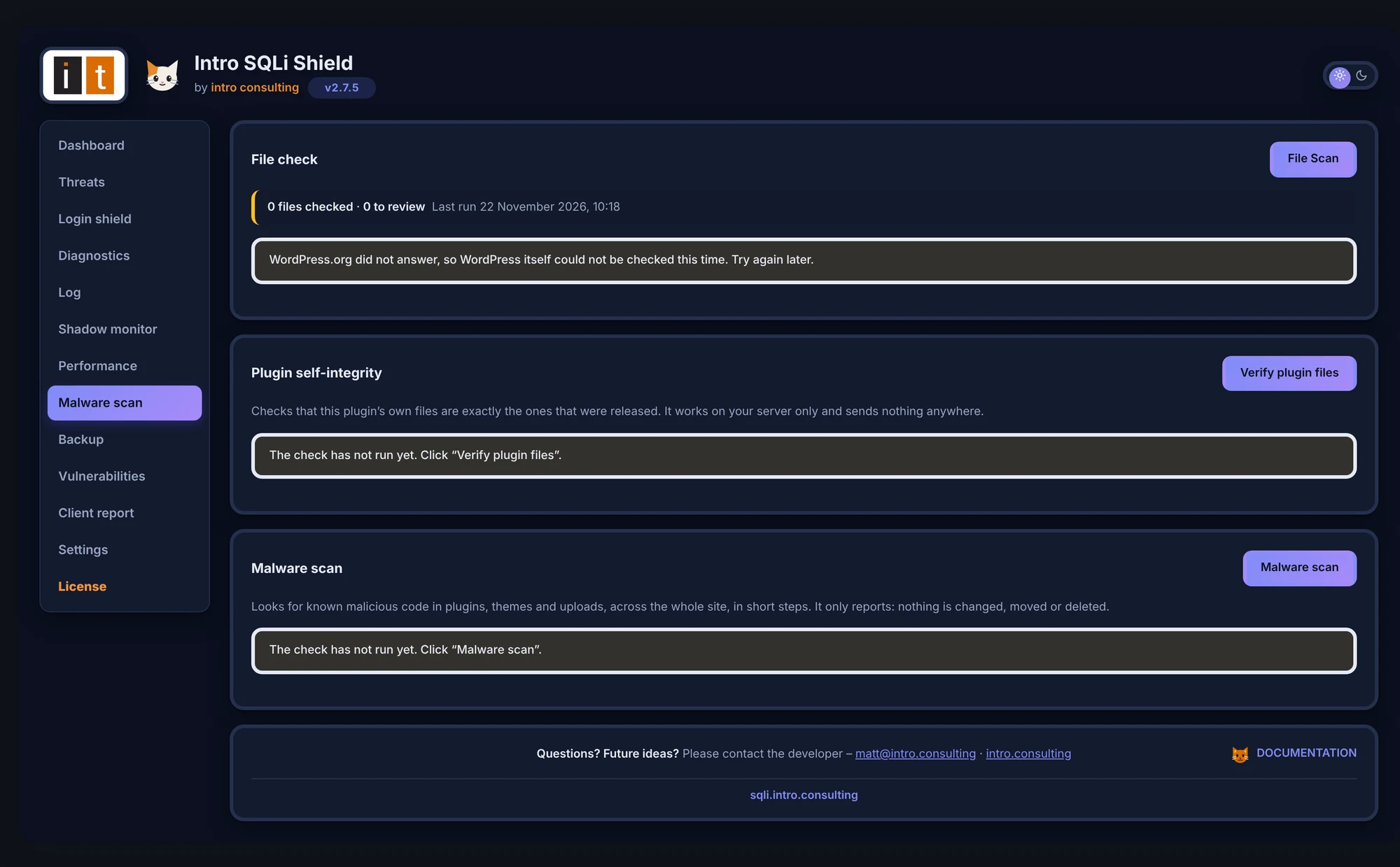
File check and Malware scan: Compare WordPress, and the plugin itself, with the official files, and scan for known malicious code. Nothing is changed without you.File check and Malware scan: Compare WordPress, and the plugin itself, with the official files, and scan for known malicious code. Nothing is changed without you.
File check and Malware scan

Compare WordPress, and the plugin itself, with the official files, and scan for known malicious code. Nothing is changed without you.

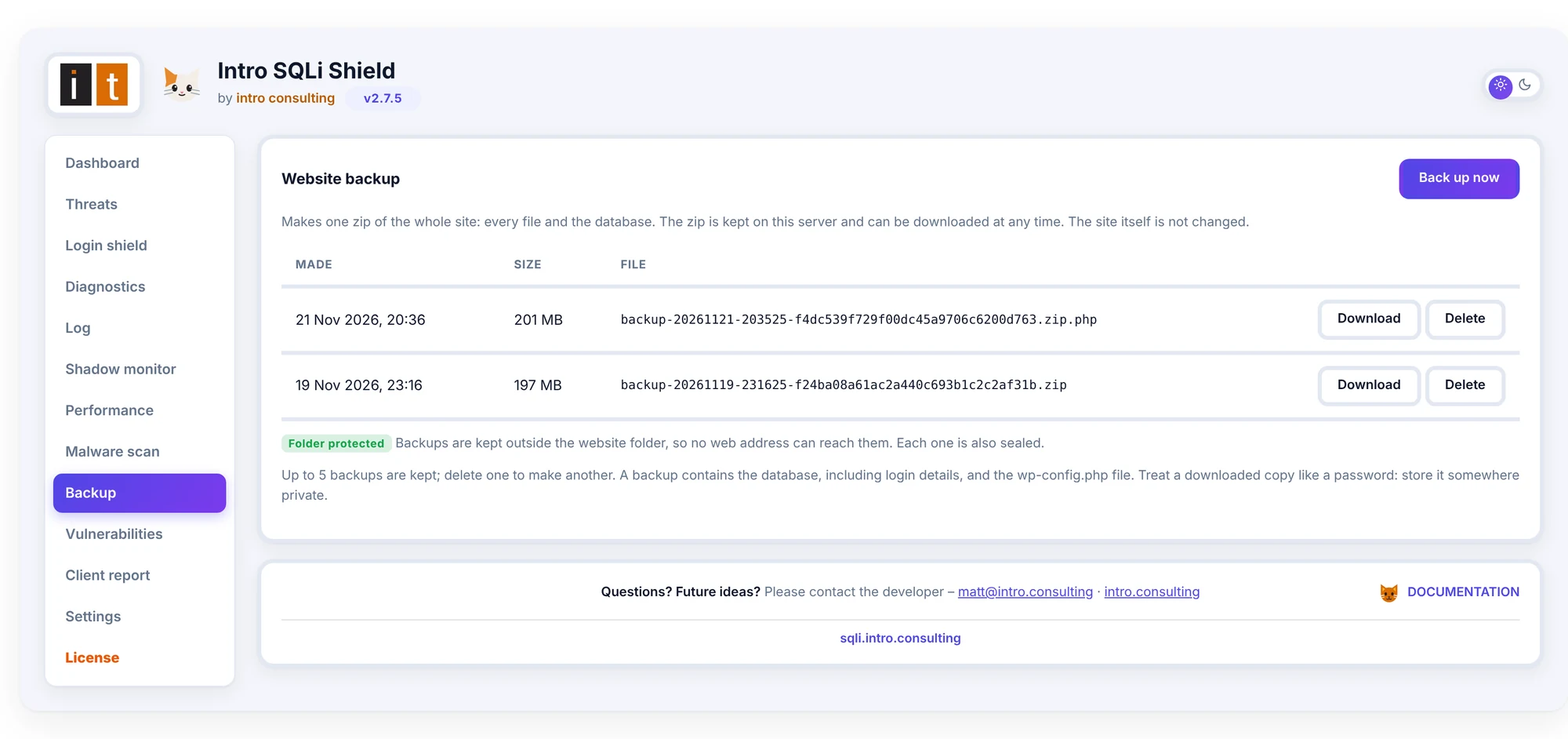
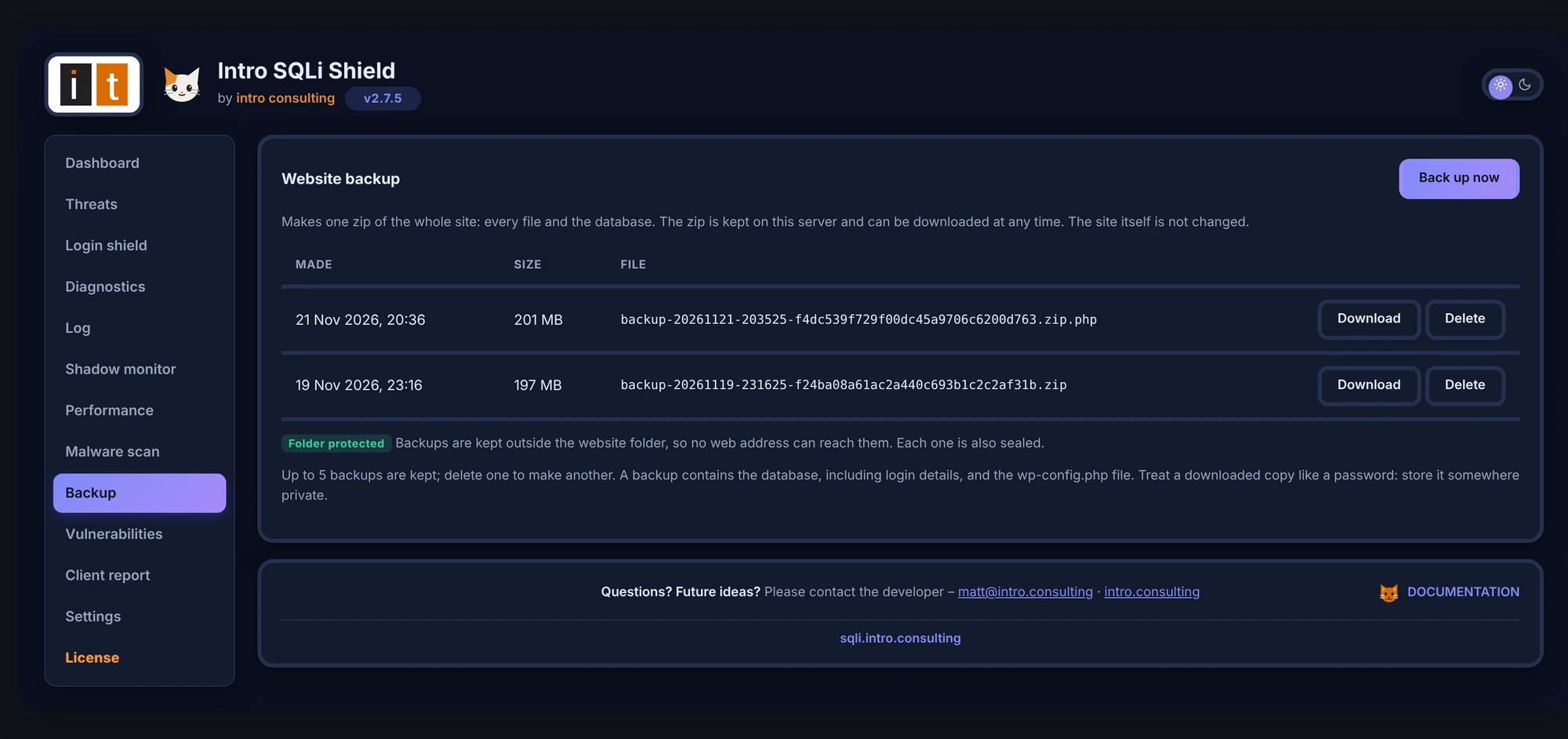
Website backup: Back up the site on demand, download it, delete it. Up to five are kept, and the folder is verified private first.Website backup: Back up the site on demand, download it, delete it. Up to five are kept, and the folder is verified private first.
Website backup

Back up the site on demand, download it, delete it. Up to five are kept, and the folder is verified private first.

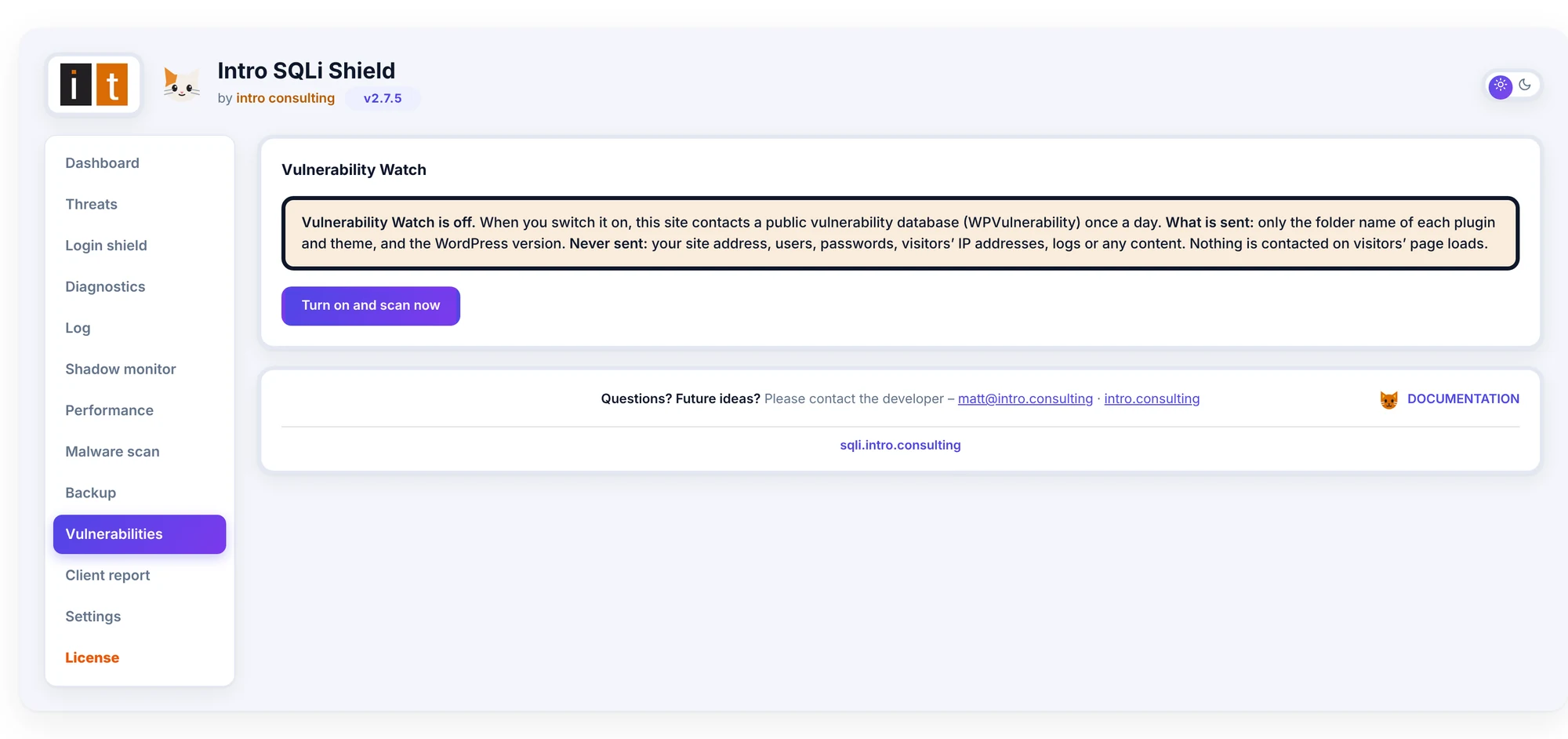
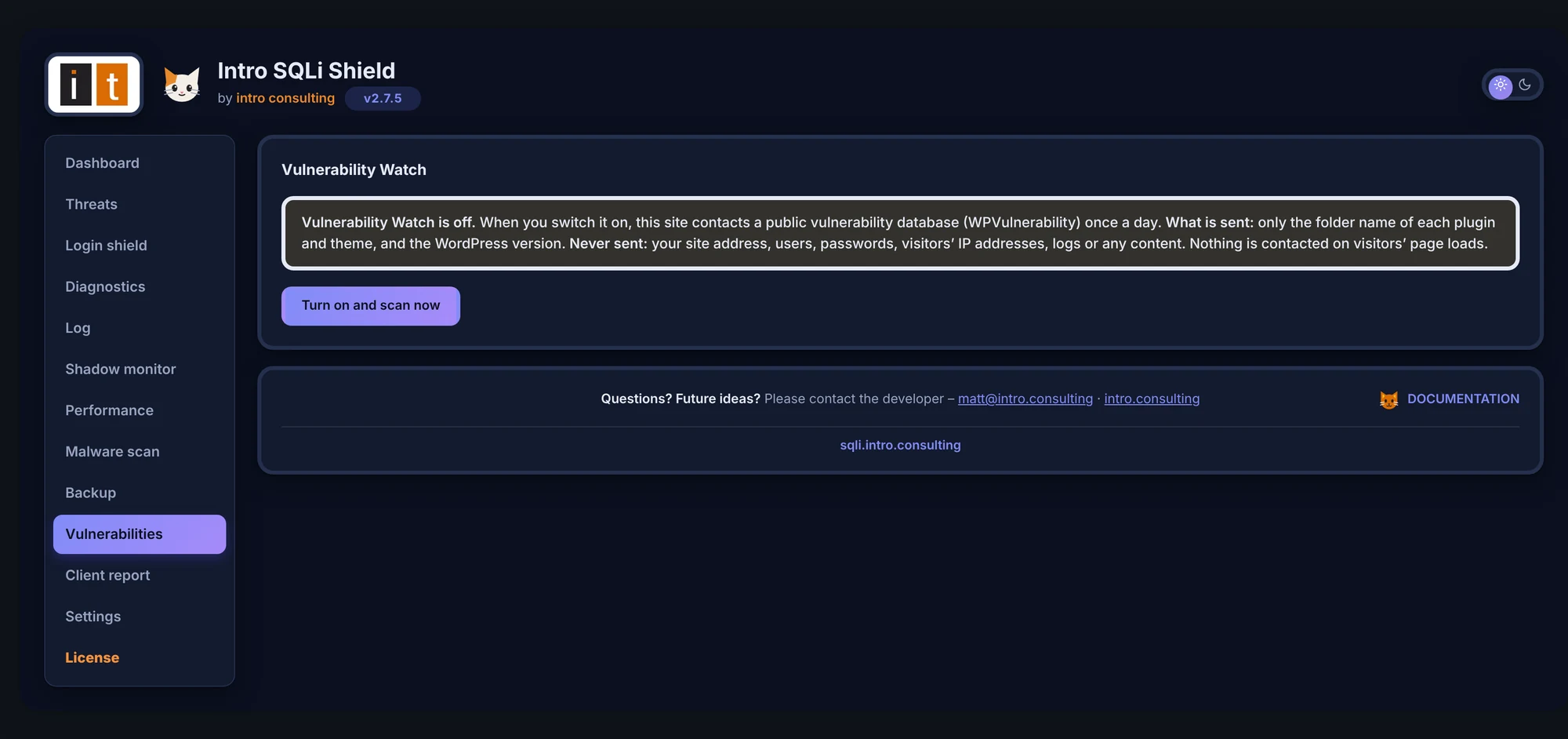
Vulnerabilities: Known problems in the plugins and themes you actually run.Vulnerabilities: Known problems in the plugins and themes you actually run.
Vulnerabilities

Known problems in the plugins and themes you actually run.
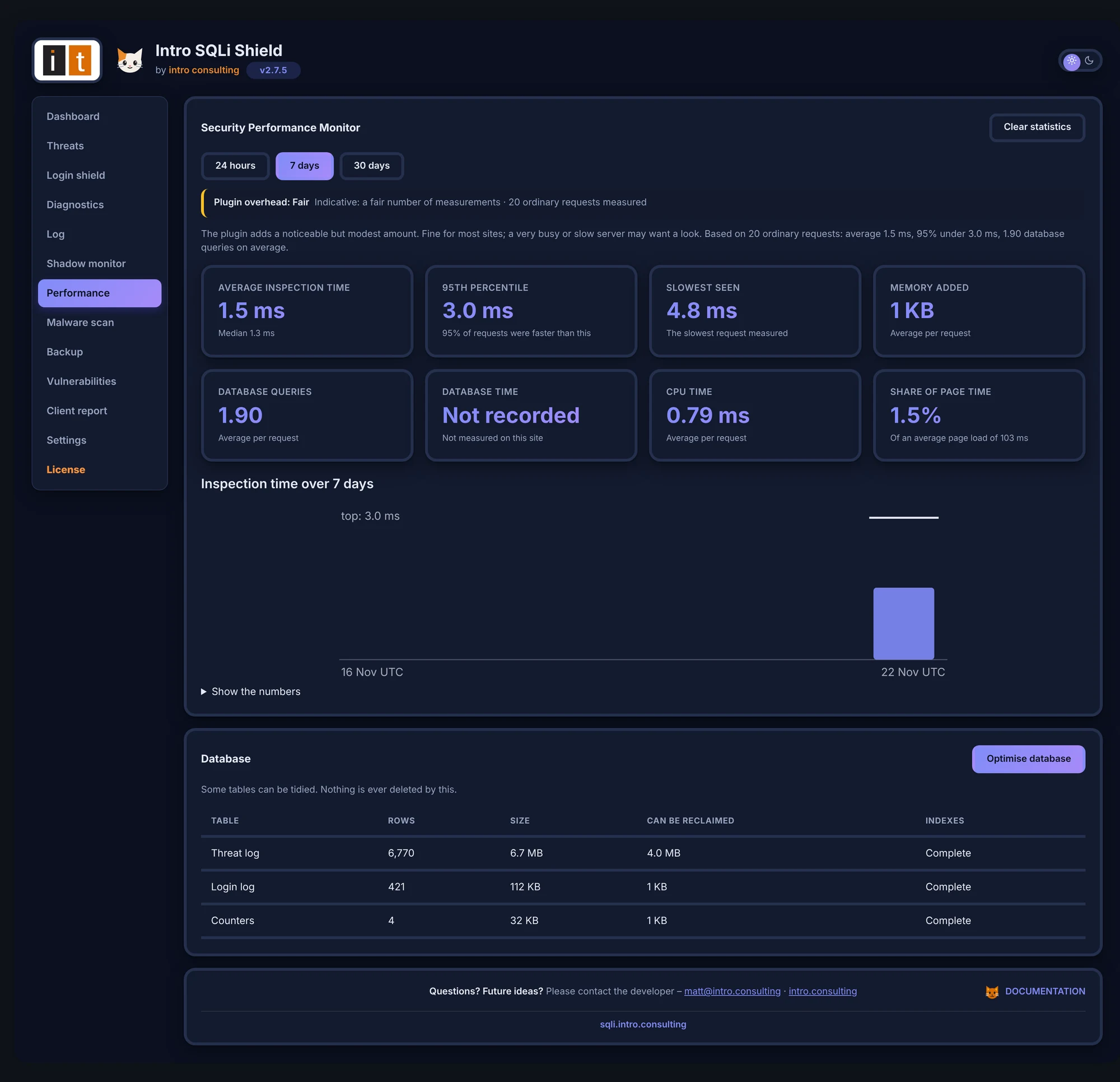
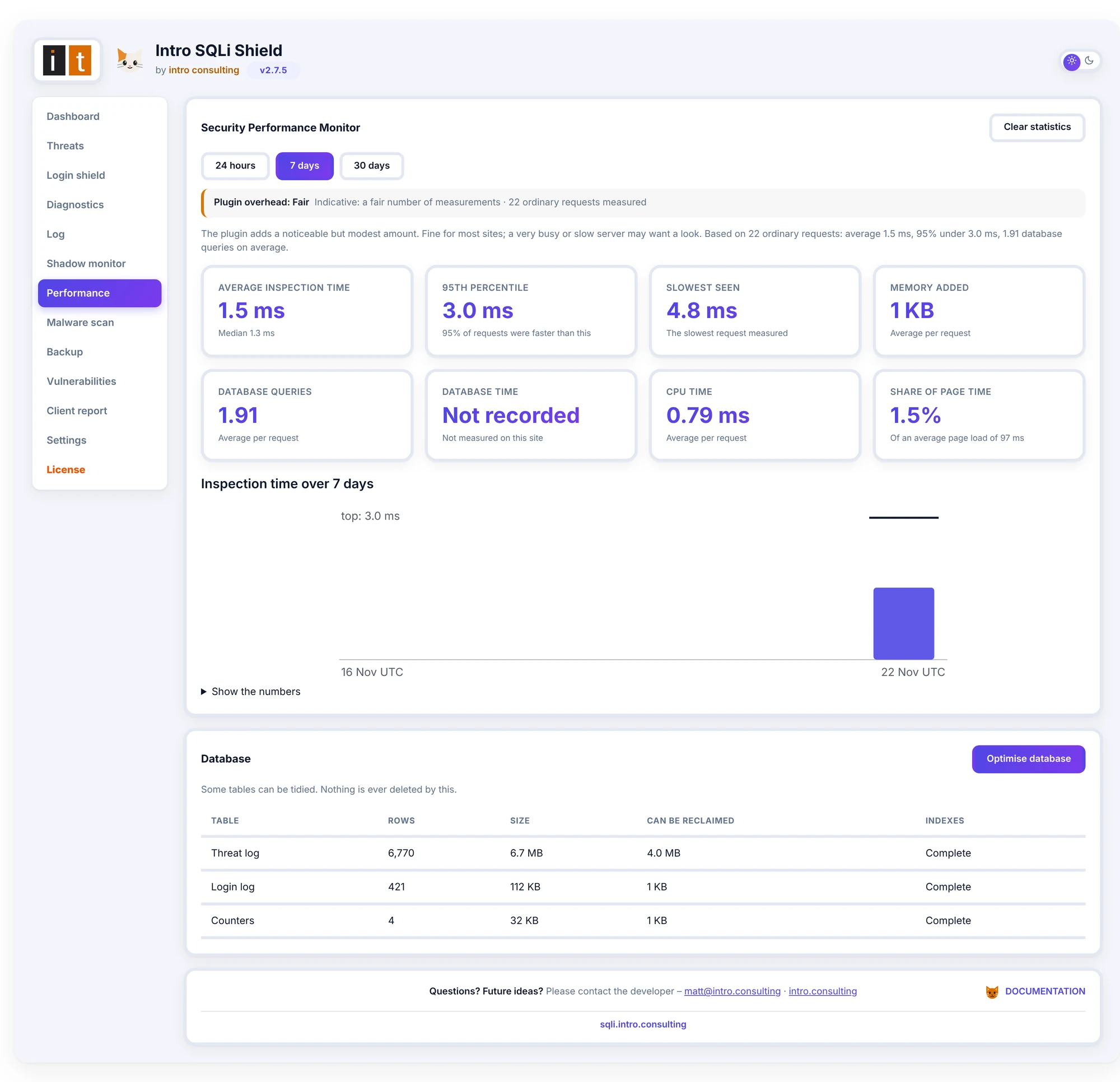
Performance: What the protection costs, measured on your own site.Performance: What the protection costs, measured on your own site.

Performance

What the protection costs, measured on your own site.

Report and customise
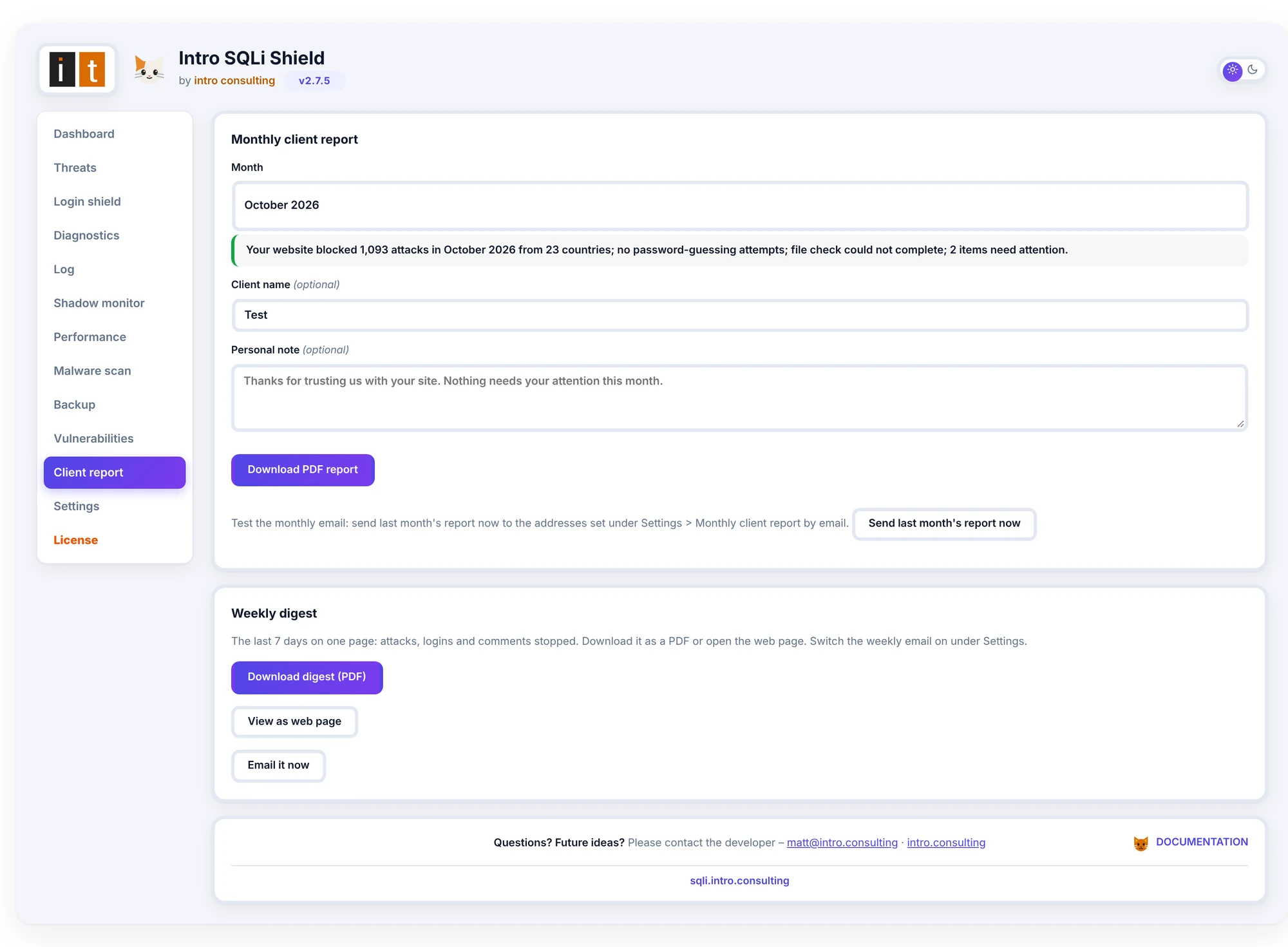
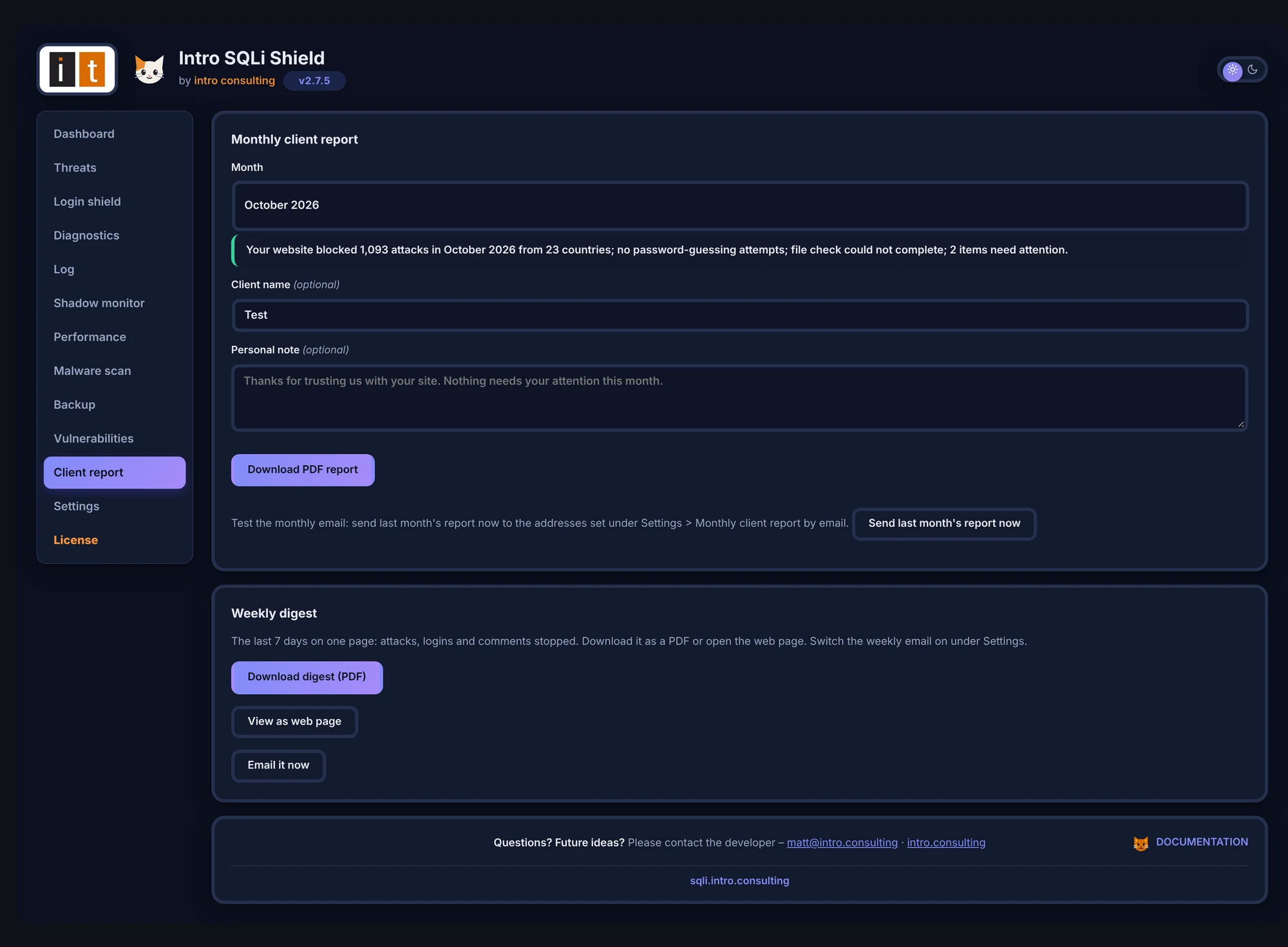
Client report: A clean monthly summary you can send to the site owner.Client report: A clean monthly summary you can send to the site owner.
Client report

A clean monthly summary you can send to the site owner.
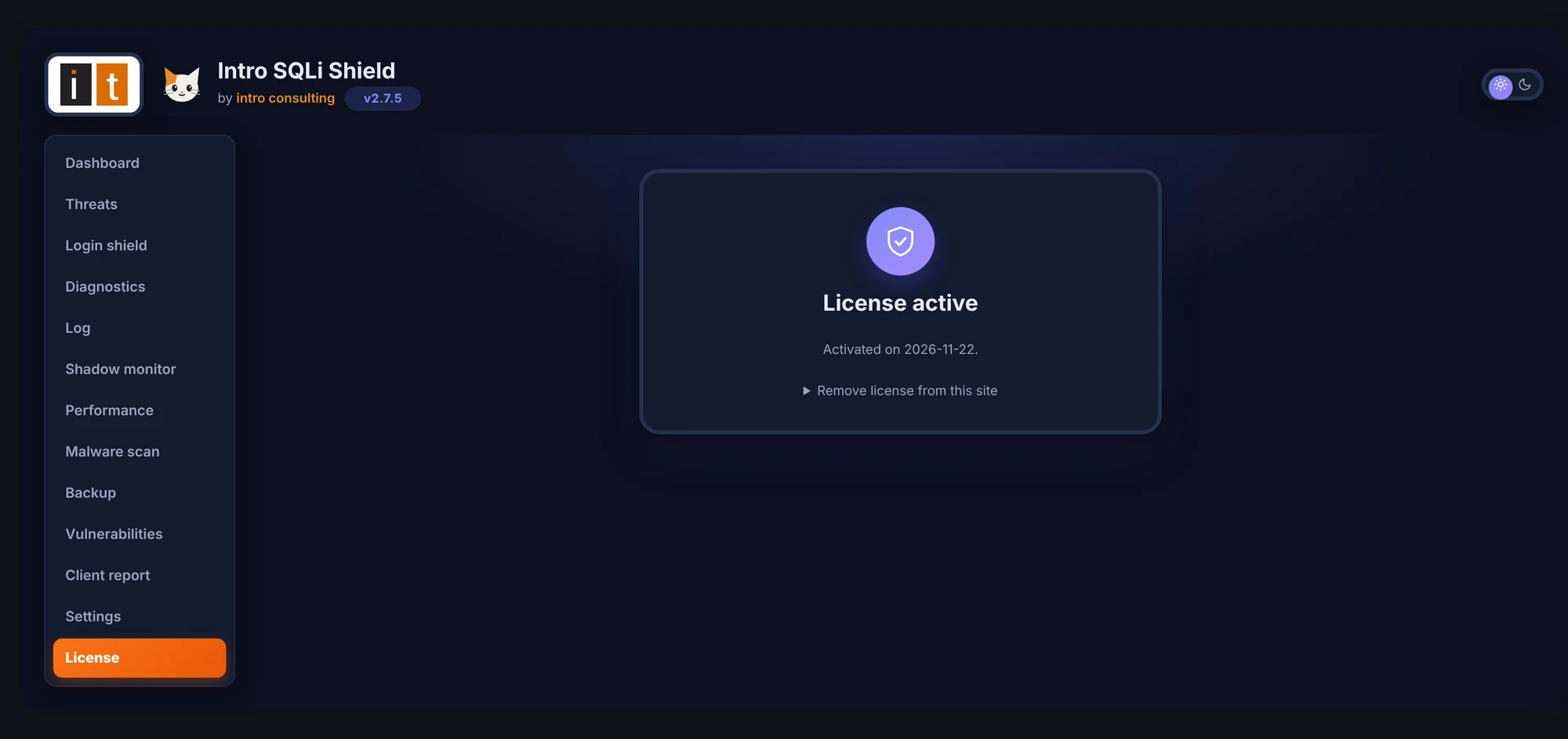
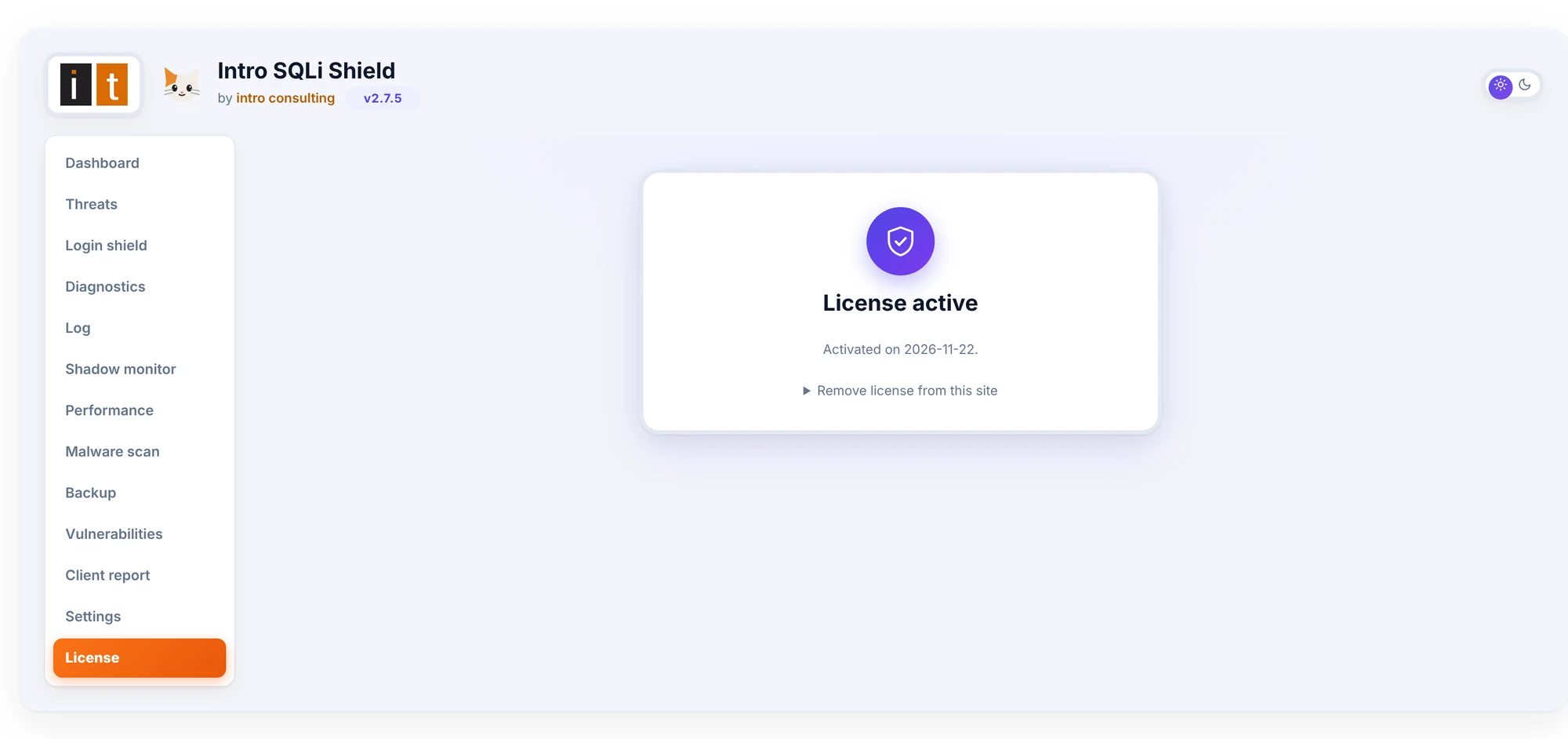
License: One key per website.License: One key per website.

License

One key per website.

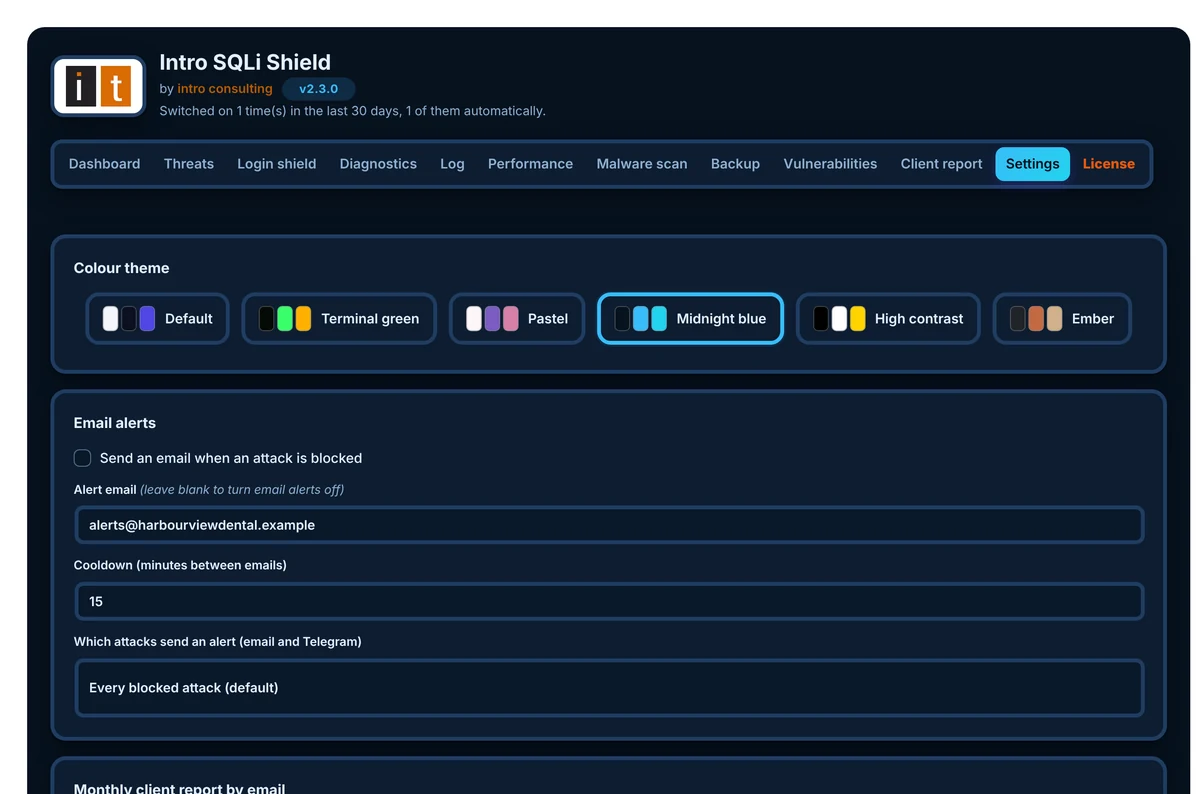
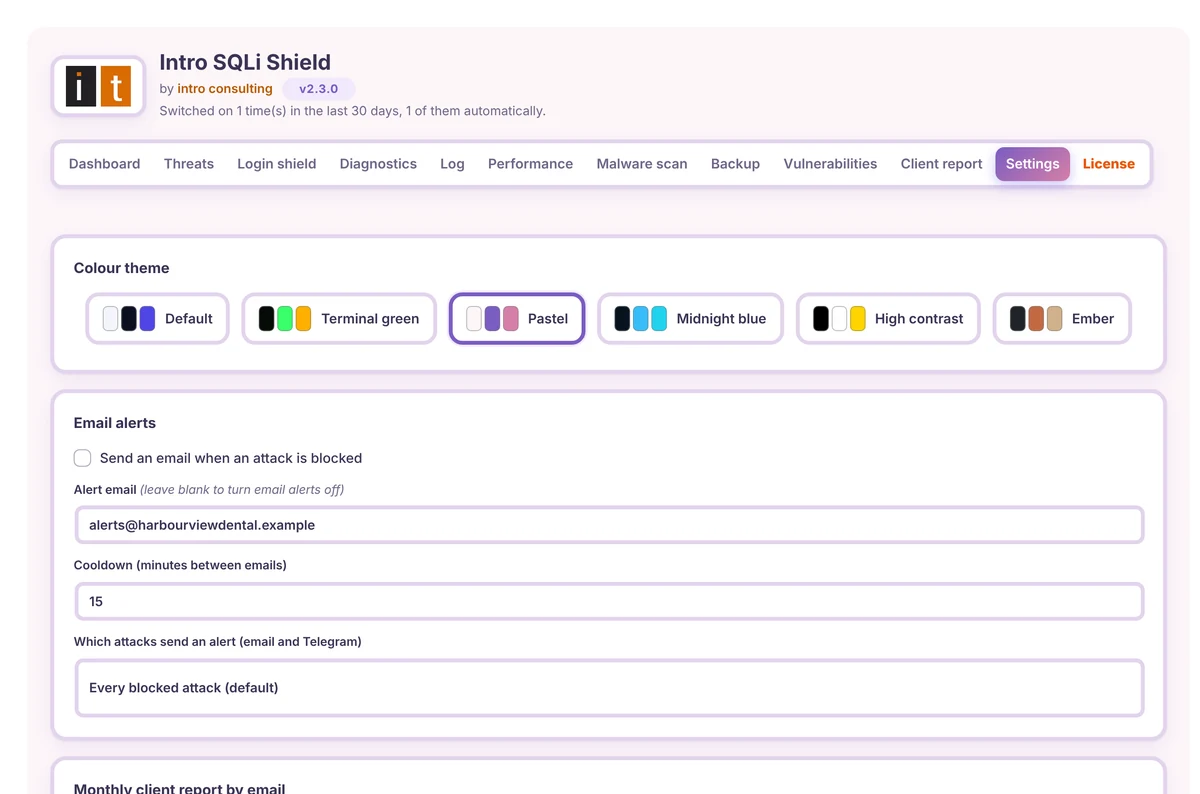
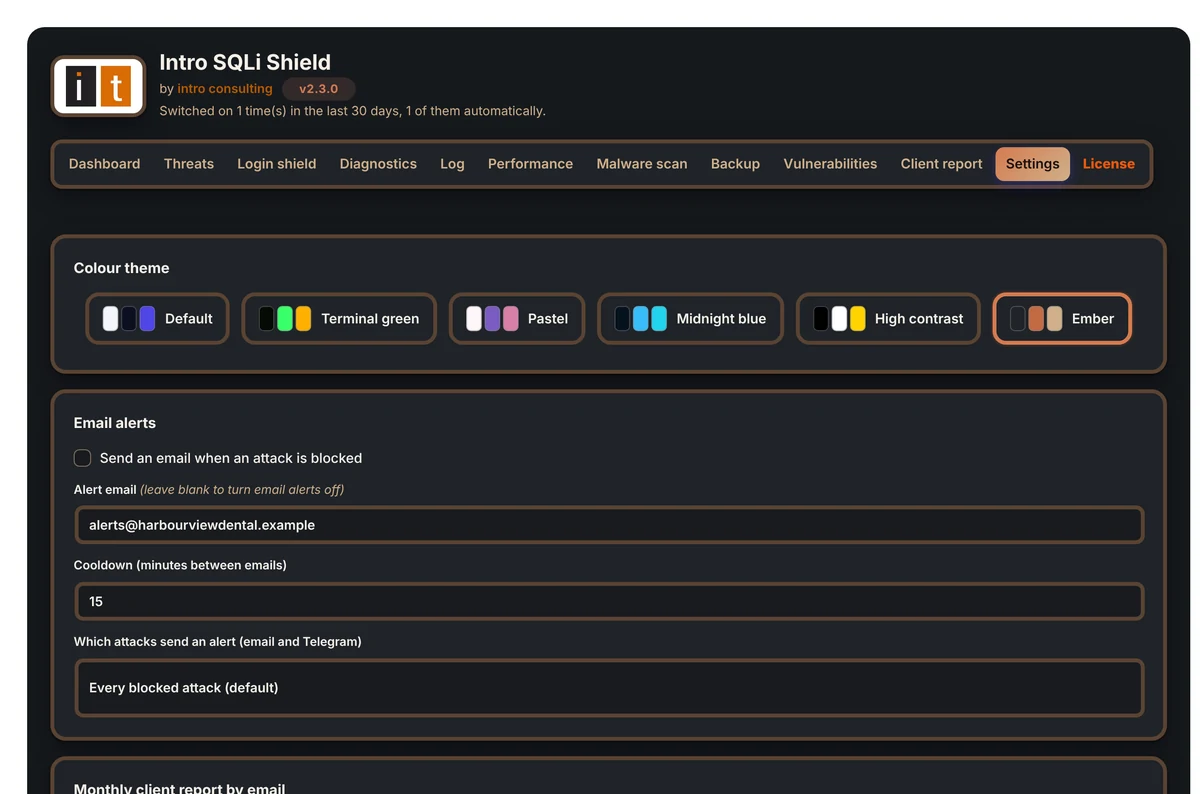
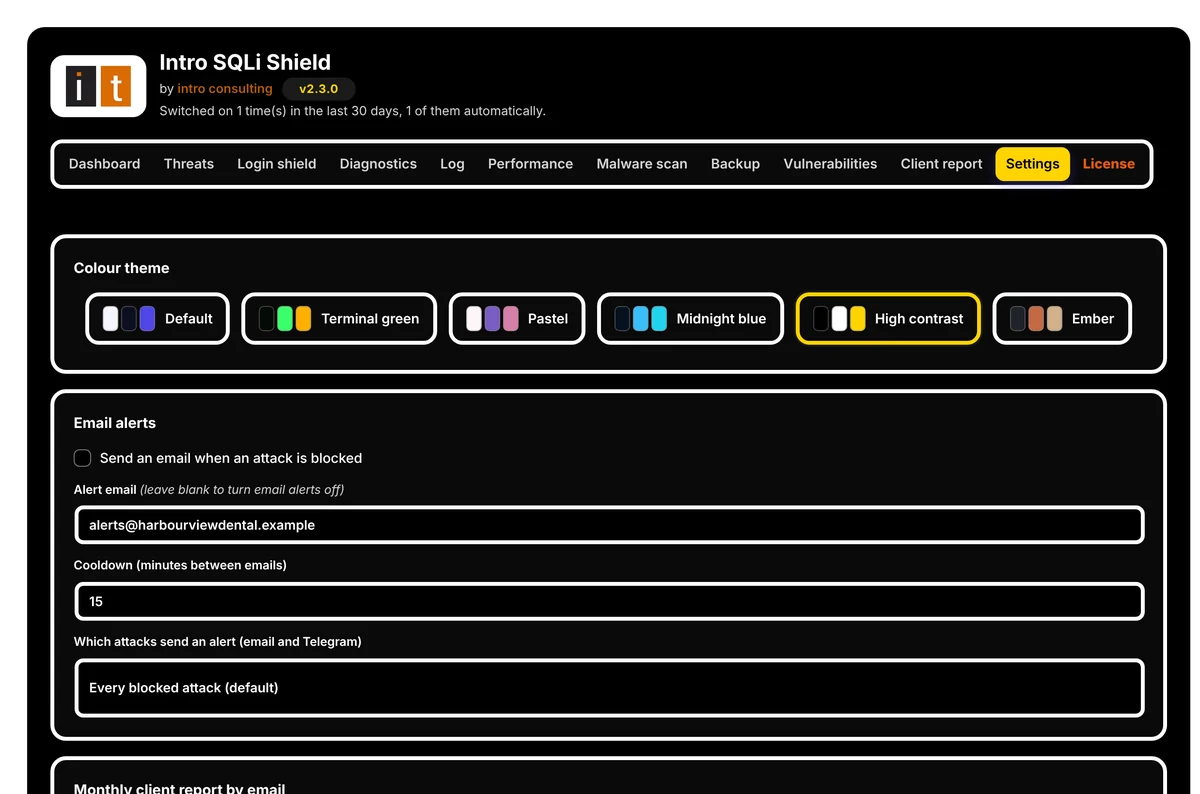
Colour themes

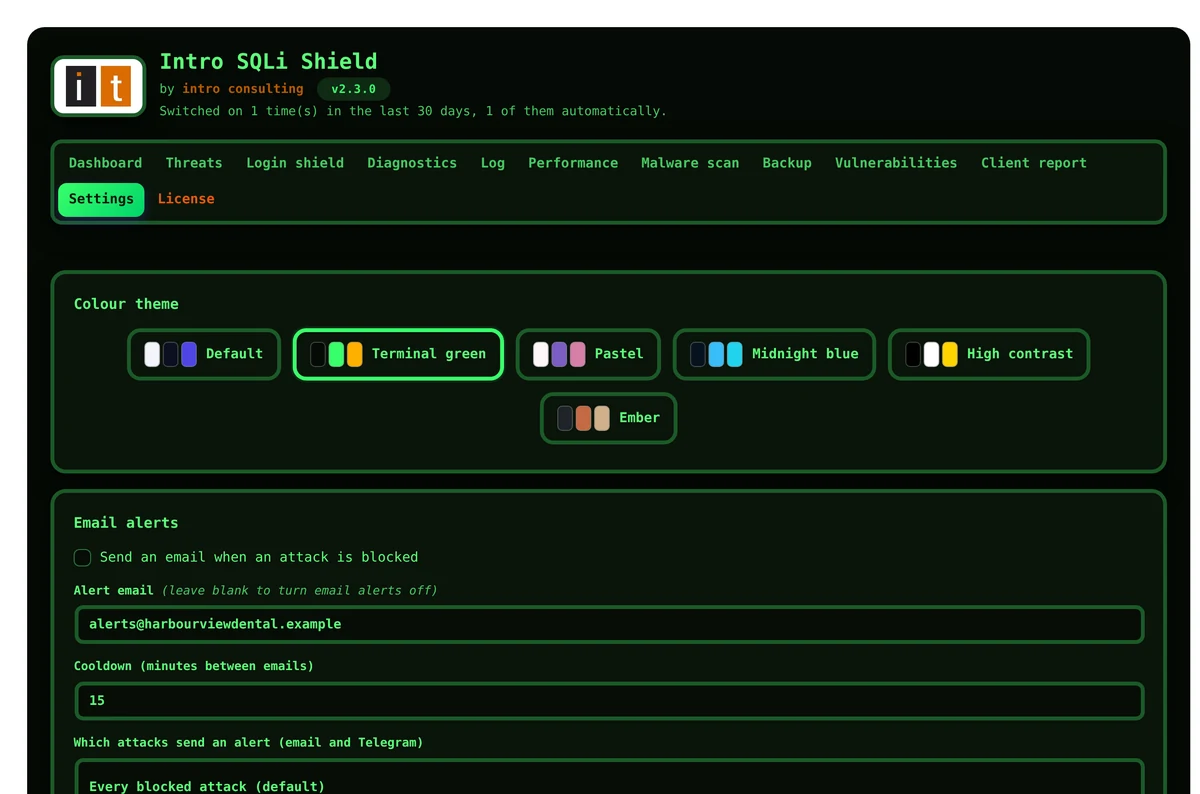
Light, dark, and four more. Switch any time, top right.
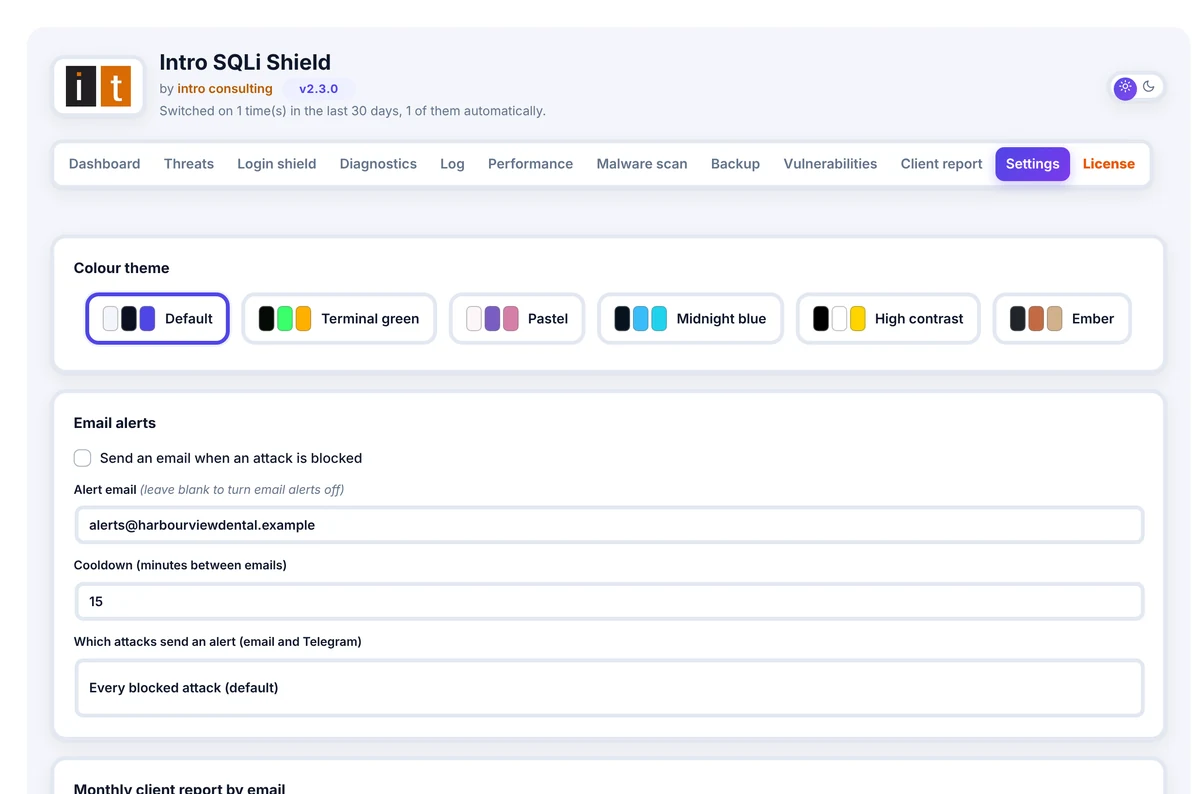
Default colour theme
Default
Midnight colour theme
Midnight
Pastel colour theme
Pastel
Ember colour theme
Ember
High contrast colour theme
High contrast
Terminal colour theme
Terminal

Questions? Suggestions? matt@intro.consulting · intro.consulting

as new threats arise, this plugin will always be updated and is a constant work in progress – the user interface may change slightly over time.

Protected by intro consulting